How to convert an iPhone voice memo to text
Share the memo from the Voice Memos app, upload it, and read the transcript a few minutes later.

The Voice Memos app on iPhone records in M4A and keeps the file inside the app, which is why "how do I get this as text" is the next question for anyone who dictates regularly. There are three routes, and which one you want depends on whether the memo already exists.
Option 1: share the memo and upload it
1Step 1. Open Voice Memos
Open Voice Memos and find the recording.
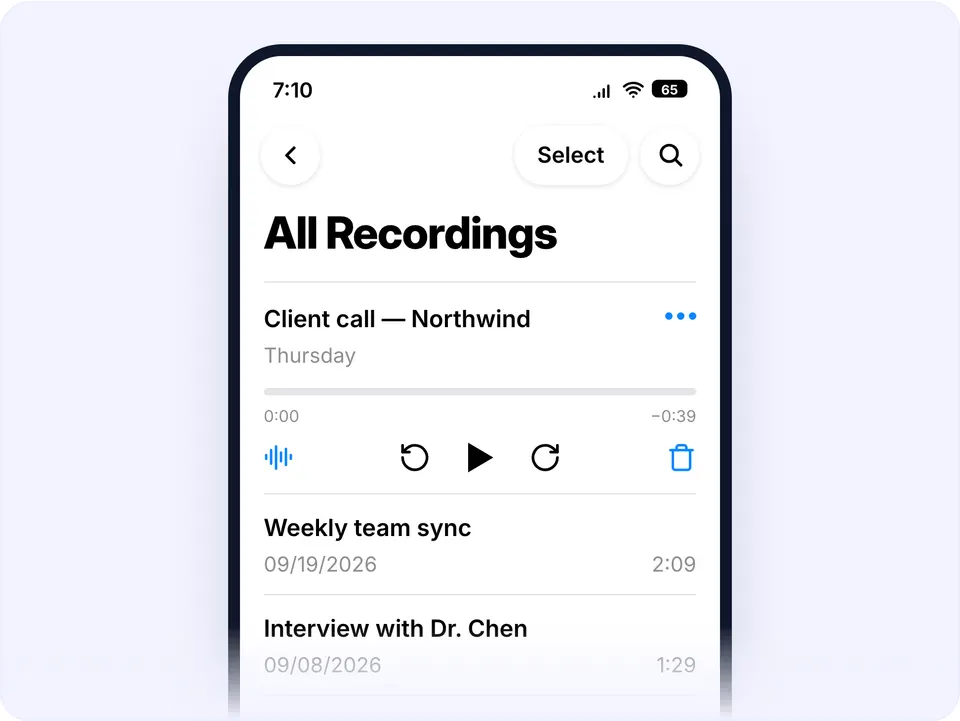
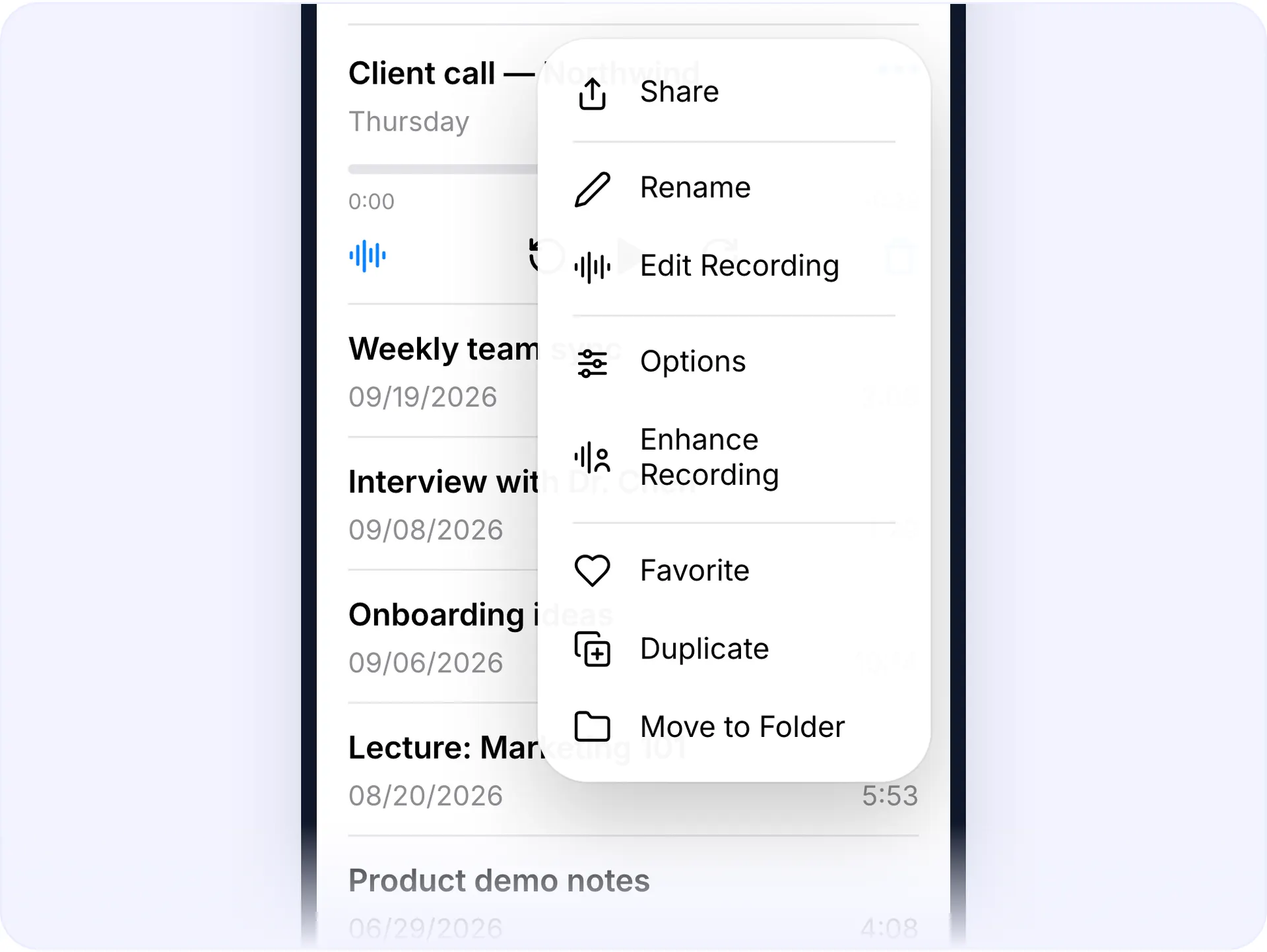
The memo list 2Step 2. Tap the three dots next
Tap the three dots next to it, then Share.
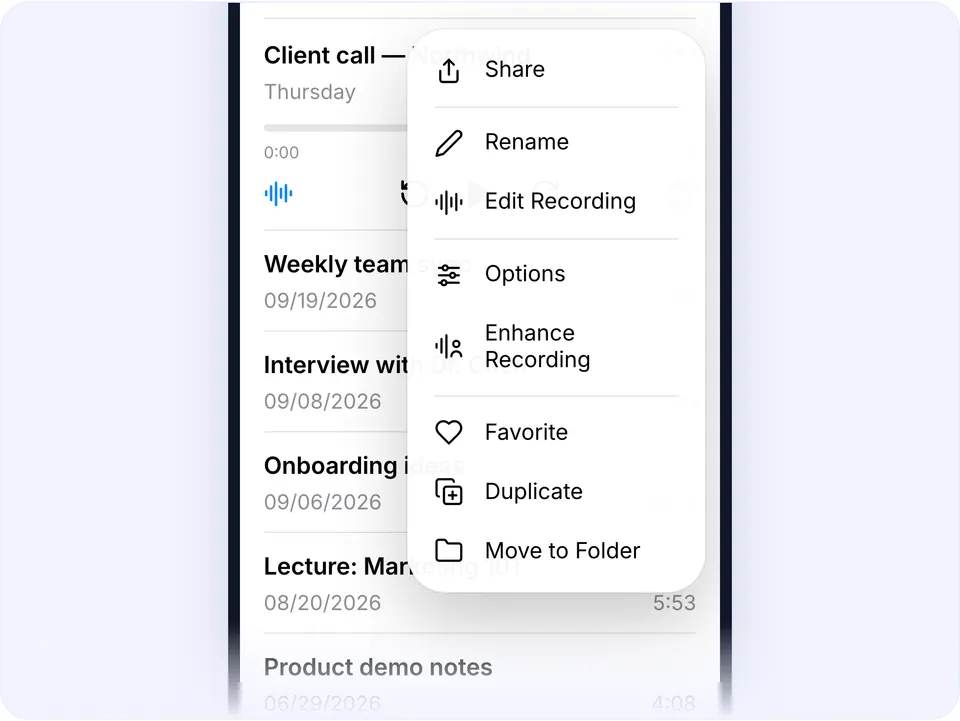
The share sheet 3Step 3. Choose Save to Files
Choose Save to Files, or send it to yourself. The file saves as M4A.
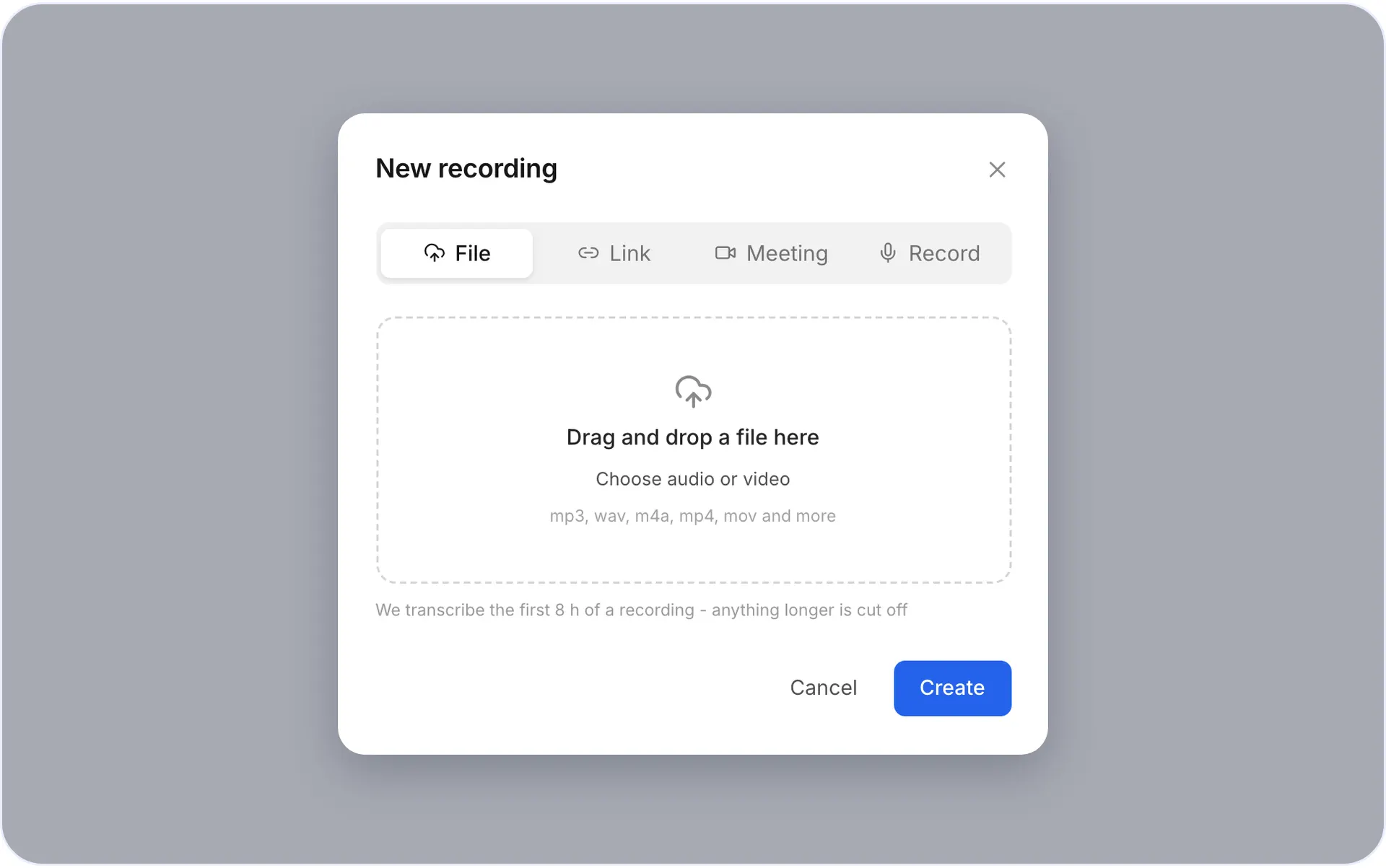
4Step 4. Open voxnoto in Safari
Open voxnoto in Safari or on your computer, upload the M4A, and wait a few minutes.
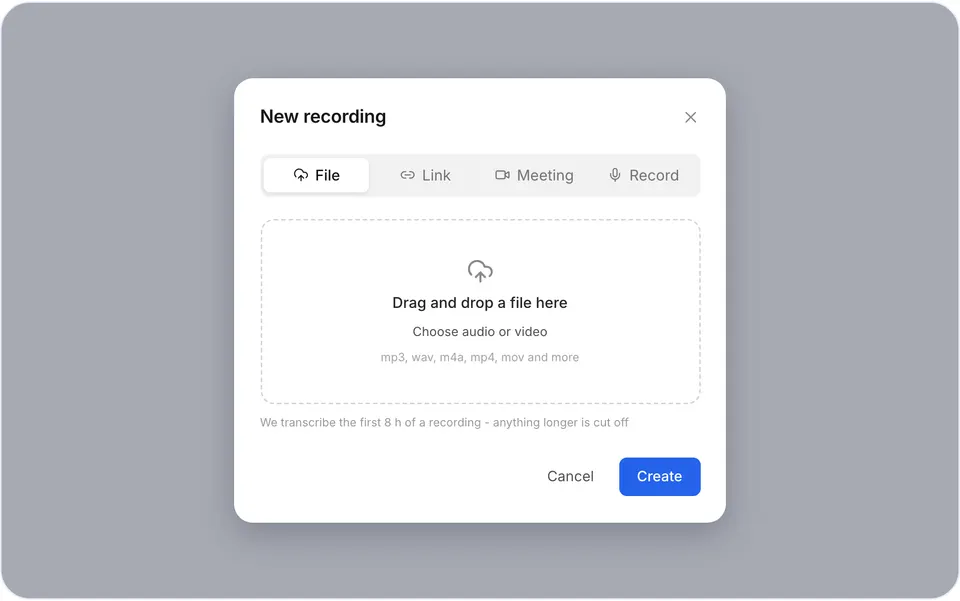
The voxnoto upload screen 5Step 5. Read the transcript
Read the transcript, then copy it into Notes, an email or a document.
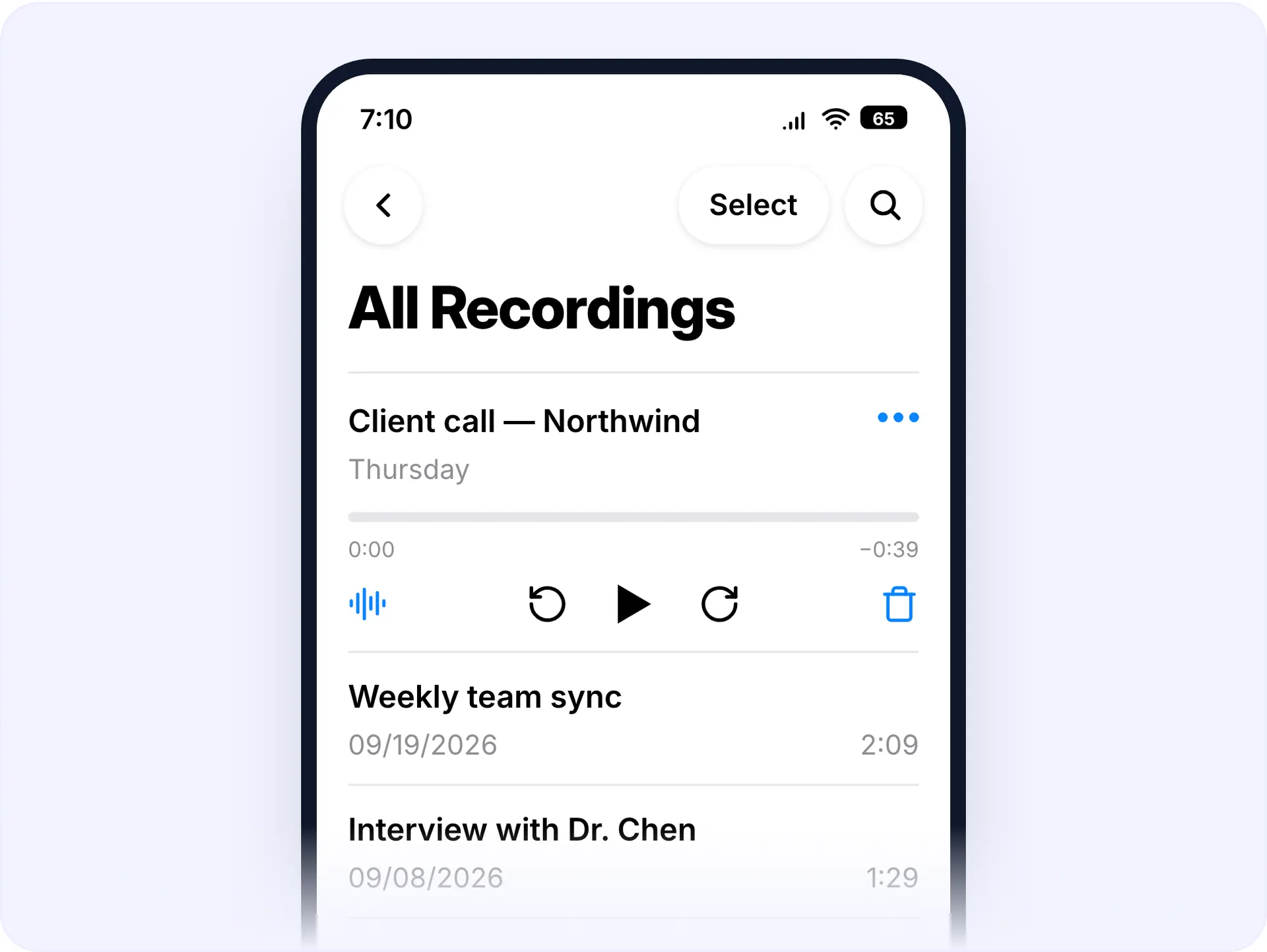
Option 2: record into your browser instead
If the conversation hasn't happened yet, skip Voice Memos. Open voxnoto in Safari, tap Record and talk, the transcript starts as soon as you stop, with nothing to share or upload.
Worth doing when:
- you're about to record something long
- you want the text immediately
- you'd otherwise forget to transcribe it later
Which option to use
| If you... | Use |
|---|---|
| The memo already exists | Share it and upload |
| The recording hasn't happened yet | Record in the browser |
| There are several speakers | Share it and upload |
| You need it in another language | Share it and upload, then translate |
Dictating a memo that transcribes cleanly
- Hold the phone 20-30 cm away, not right at your mouth.
- Say the topic in the first sentence, it becomes the title you'll recognise later.
- Outdoors, shield the microphone from wind with your hand.
- Pause between thoughts instead of filling the gap; pauses become paragraph breaks.
Questions and answers
What format does the iPhone record in?
M4A. voxnoto reads it directly, no conversion needed.
Where do Voice Memos files go?
They stay in the app until you share them. Save to Files to get the file itself.
Can I transcribe a memo without a computer?
Yes. Upload it from Safari on the phone, or record in the browser.
How big can my files be?
On Premium you can upload files up to 8 hours long and run several at once. The free plan gives you 10 minutes of transcription a day: longer files are transcribed up to that daily limit.
Can I transcribe a memo recorded in another language?
Yes, 99 languages, with translation built in.
Is there a free plan?
Yes. The free plan gives you 10 minutes of transcription every day, no card needed.
Did not find your answer?Browse all questionsEmail support