How to transcribe audio on Android
Record in Chrome on your phone, or upload a file you already have.

Android has no single recording app, Samsung, Google and the rest each ship their own, and they save to different formats and different folders. Whichever one you use, getting the recording as text works the same way: upload the file, or skip the app entirely and record in the browser.
Option 1: record straight into your browser
1Step 1. Open voxnoto in Chrome
Open voxnoto in Chrome on your phone.
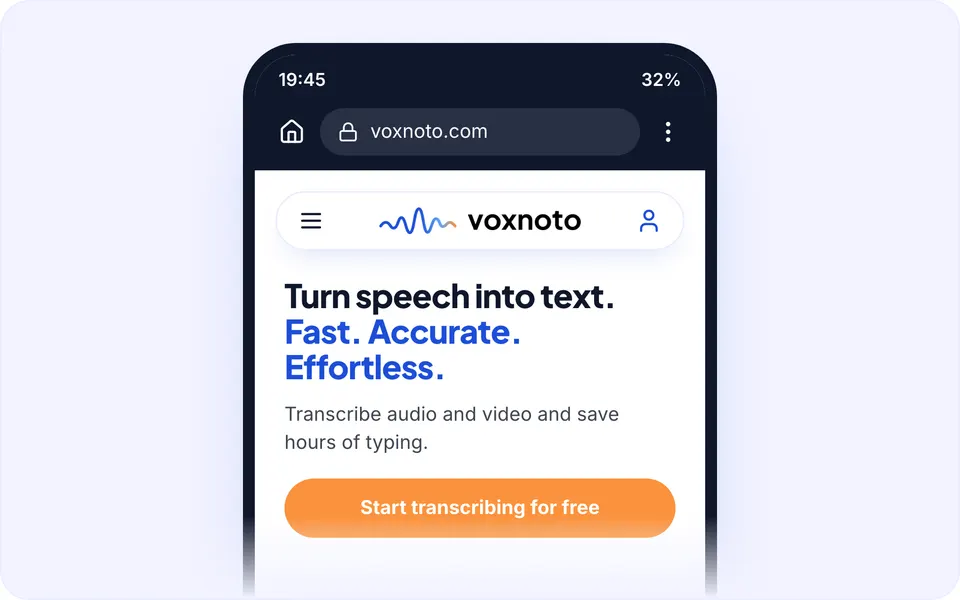
The site on a phone 2Step 2. Tap Record and allow microphone access
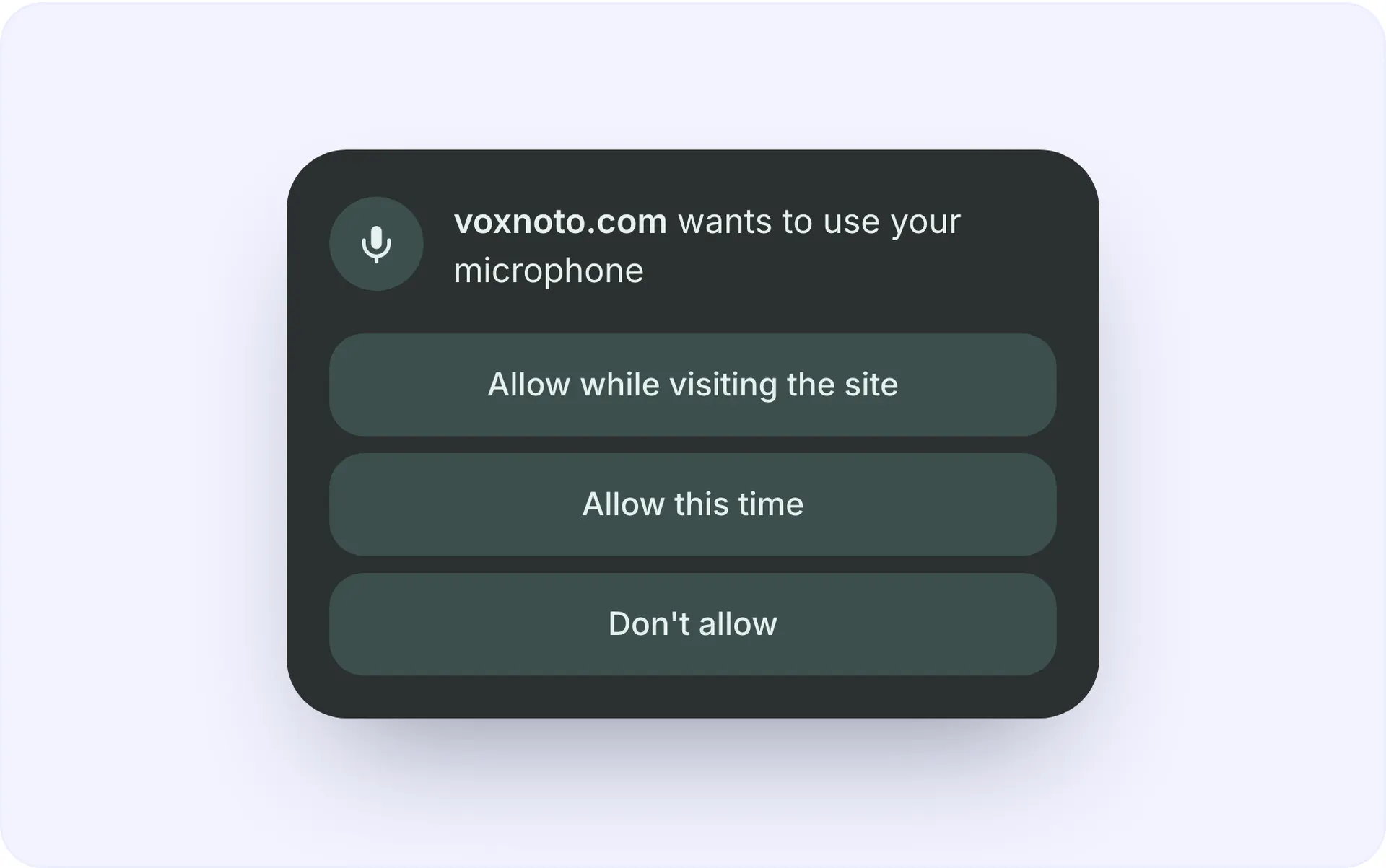
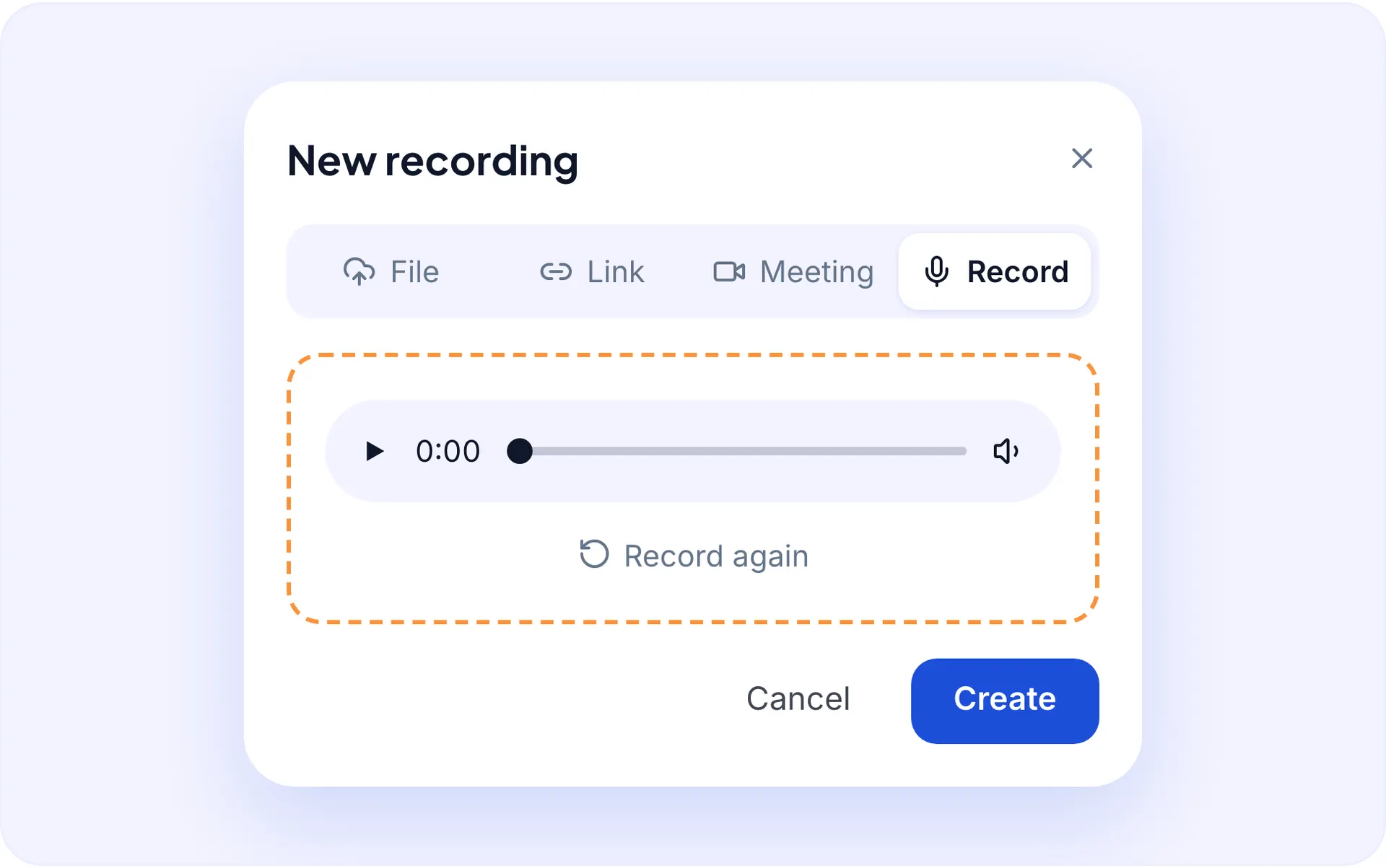
Tap Record and allow microphone access when Chrome asks.
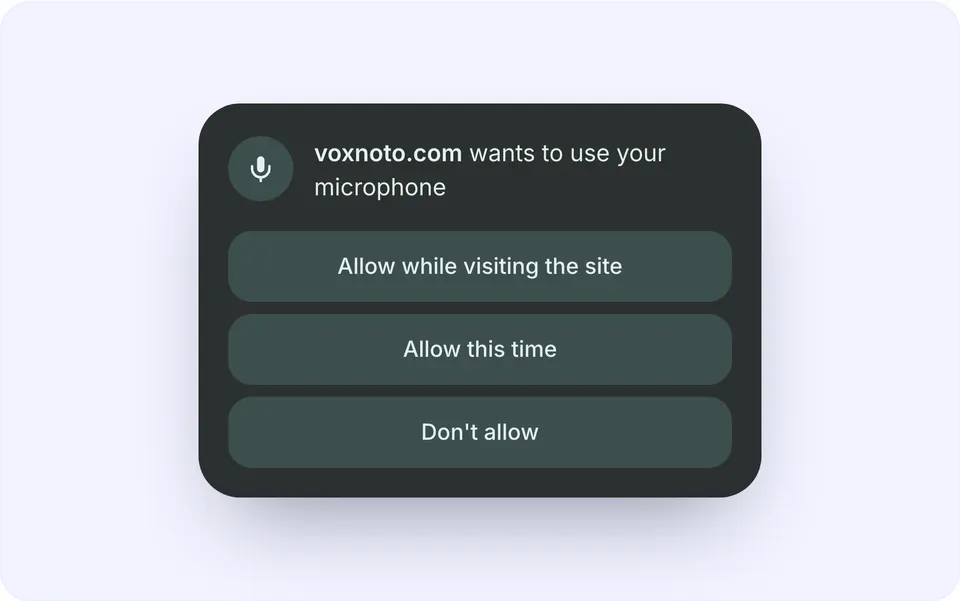
The permission prompt 3Step 3. Talk
Talk. Keep the screen on while recording.
4Step 4. Stop
Stop, and the transcript starts by itself.
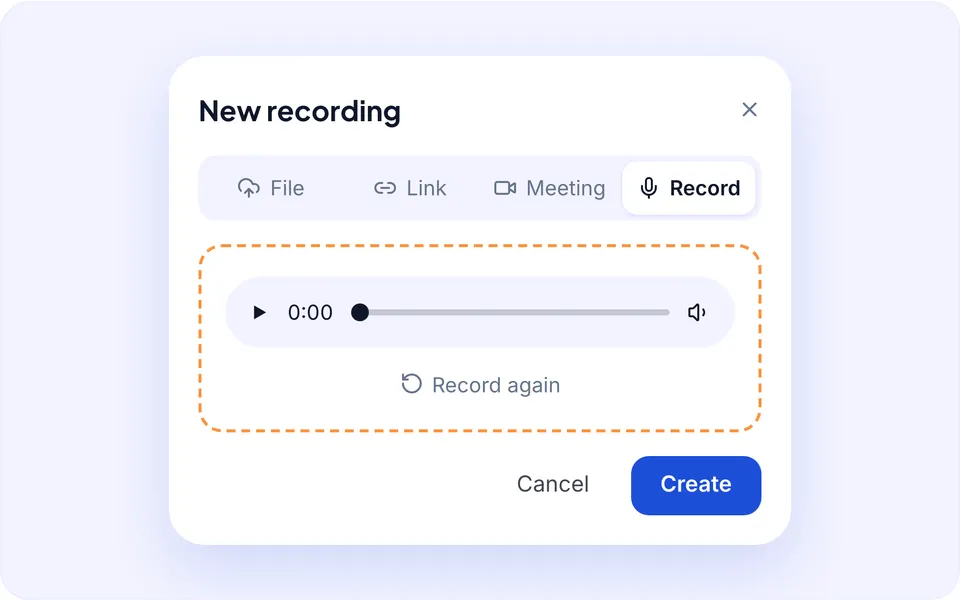
Finished transcript on a phone
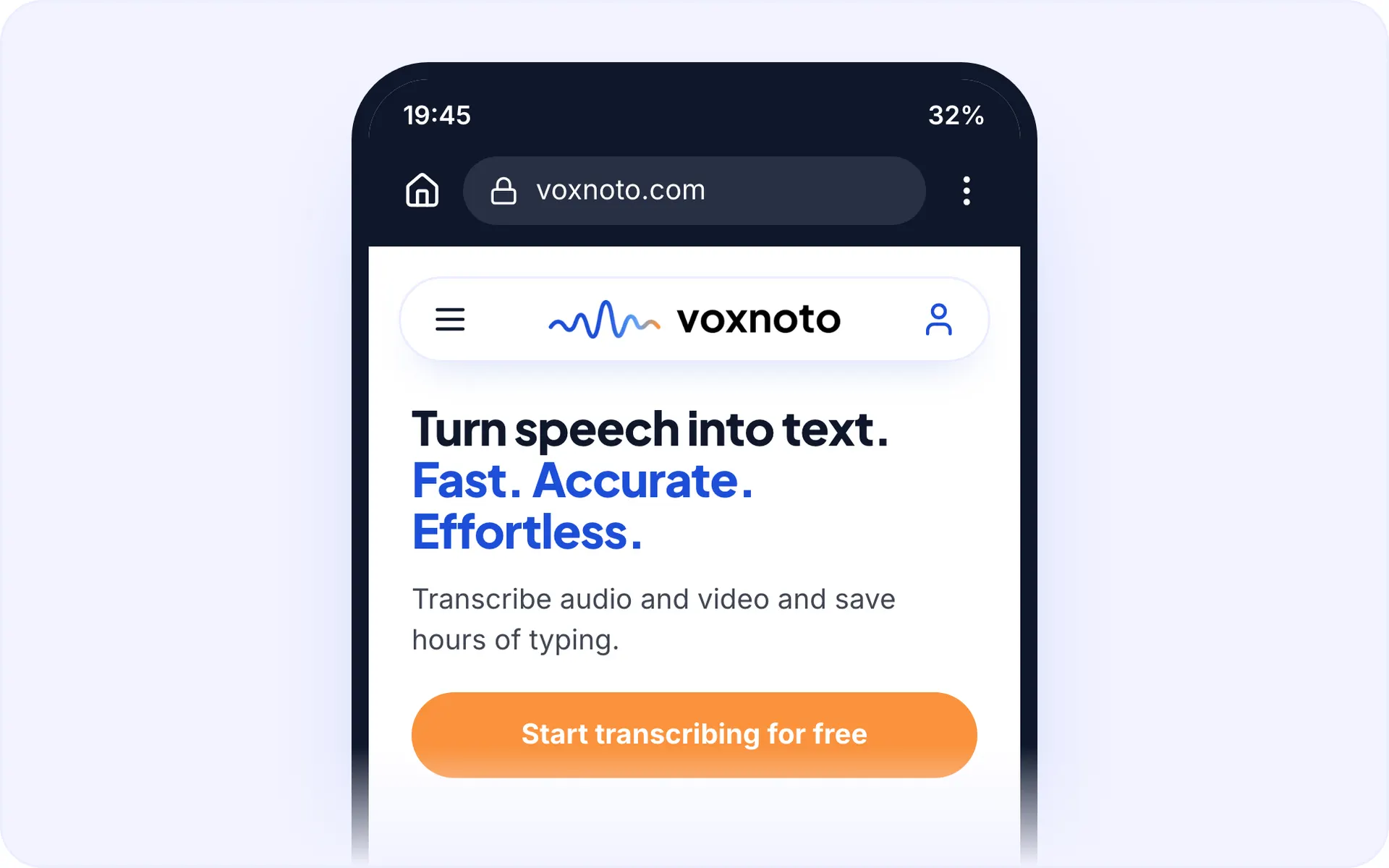
Nothing to install, and nothing to move between apps afterwards.
Option 2: upload a recording you already have
- Open your recorder app, Recorder on Pixel, Voice Recorder on Samsung, or whatever came with the phone.
- Share the recording, or find the file in Files under Recordings, Sounds or Voice Recorder.
- Upload it to voxnoto from Chrome or from a computer.
- Read the transcript, rename the speakers, export or translate.
Android recorders usually save MP3, M4A or WAV. All three work, and none of them needs converting first.
Where Android hides your recordings
- Pixel Recorder: inside the app; use Share to get the file out.
- Samsung Voice Recorder: Files › Internal storage › Recordings › Voice.
- Other phones: look in Sounds, Recordings or Voice Recorder in the Files app.
- Cloud backups: check Drive if the app syncs; the file may not be on the phone at all.
Recording tips that matter on a phone
- Keep the phone 20-30 cm from whoever is speaking.
- Put it on something soft; bare tables transmit every tap.
- Turn on Do Not Disturb so a call doesn't end the recording.
- Keep the screen on for browser recording, so the tab isn't suspended.
Questions and answers
How do I transcribe a recording on Android?
Upload it to voxnoto, or record directly in Chrome. The transcript is ready in a few minutes.
Do I need to install anything?
No. voxnoto works in your browser on a laptop or phone.
Which formats do Android recorders use?
Usually MP3, M4A or WAV. All are supported.
Can I transcribe a recording in another language?
Yes, 99 languages, with translation built in.
How big can my files be?
On Premium you can upload files up to 8 hours long and run several at once. The free plan gives you 10 minutes of transcription a day: longer files are transcribed up to that daily limit.
Is there a free plan?
Yes. The free plan gives you 10 minutes of transcription every day, no card needed.
Did not find your answer?Browse all questionsEmail support