How to translate audio and video to text
Transcribe first, then translate the transcript in one click.

To translate audio to text, first transcribe it, then translate the transcript. voxnoto does both in one place: upload a file, record in your browser, or send the bot to a call, then translate the transcript in one click. You can read the original and the translation side by side, or export either one.
How to transcribe and translate in 3 steps
1Step 1. Add your audio
Upload a file, record in the browser, or send the bot to a Zoom, Teams or Google Meet call.
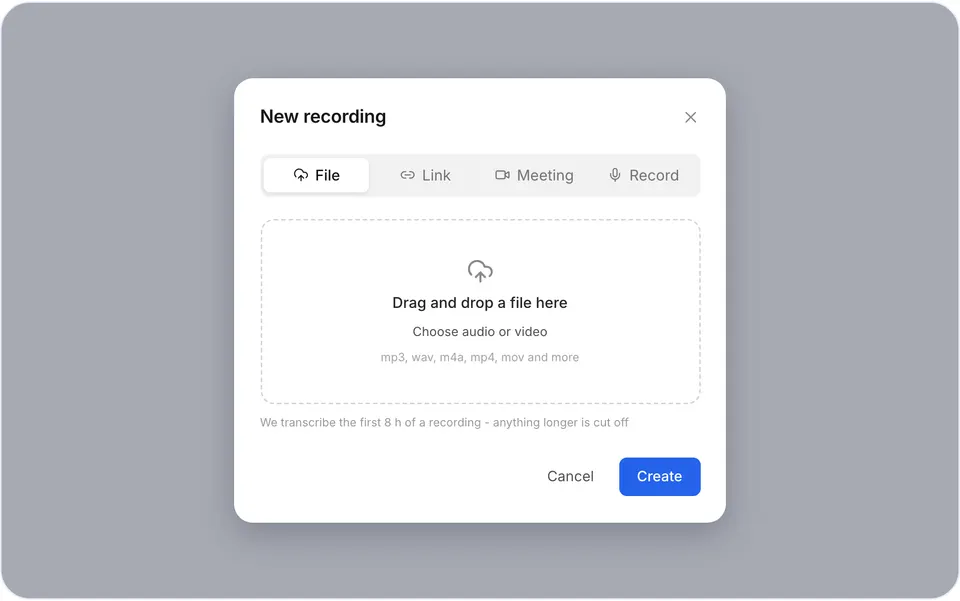
Adding a recording 2Step 2. Click Translate and pick a language
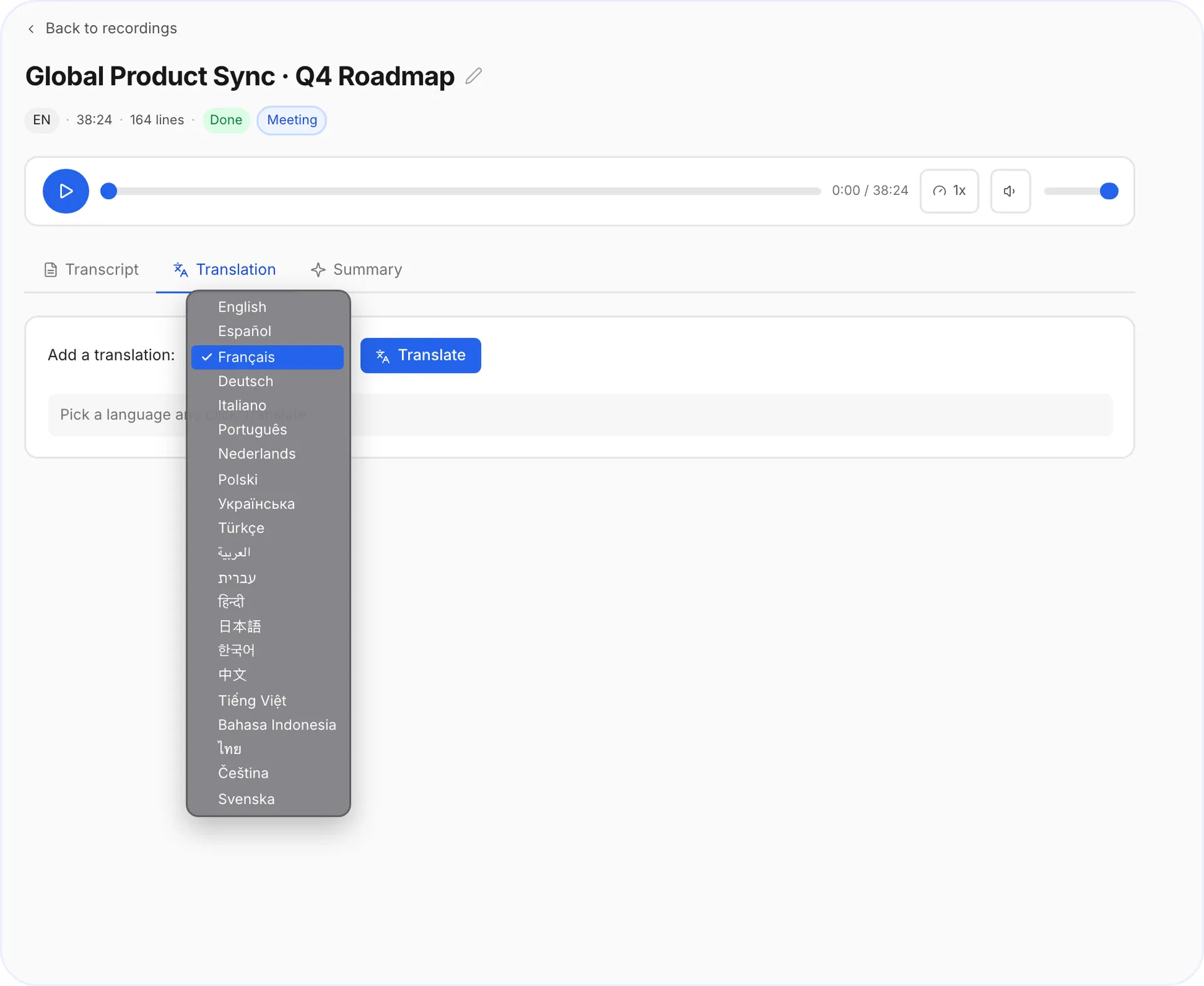
Open the Translation tab of the finished recording, pick a language from the list and click Translate.
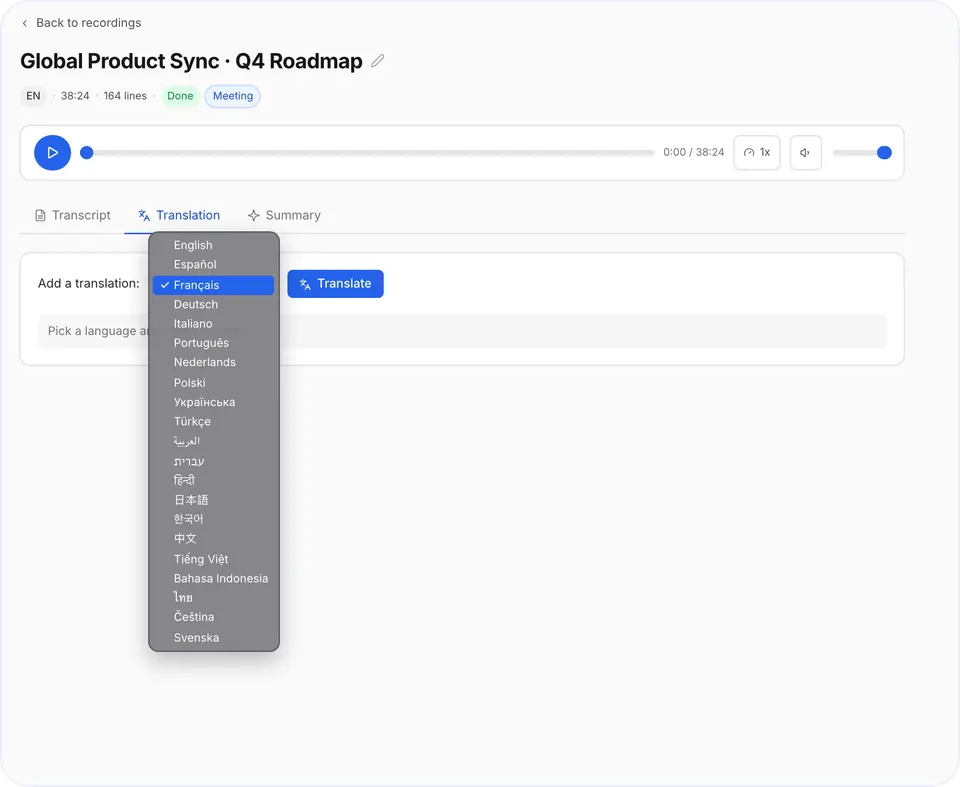
The language list 3Step 3. Read or export
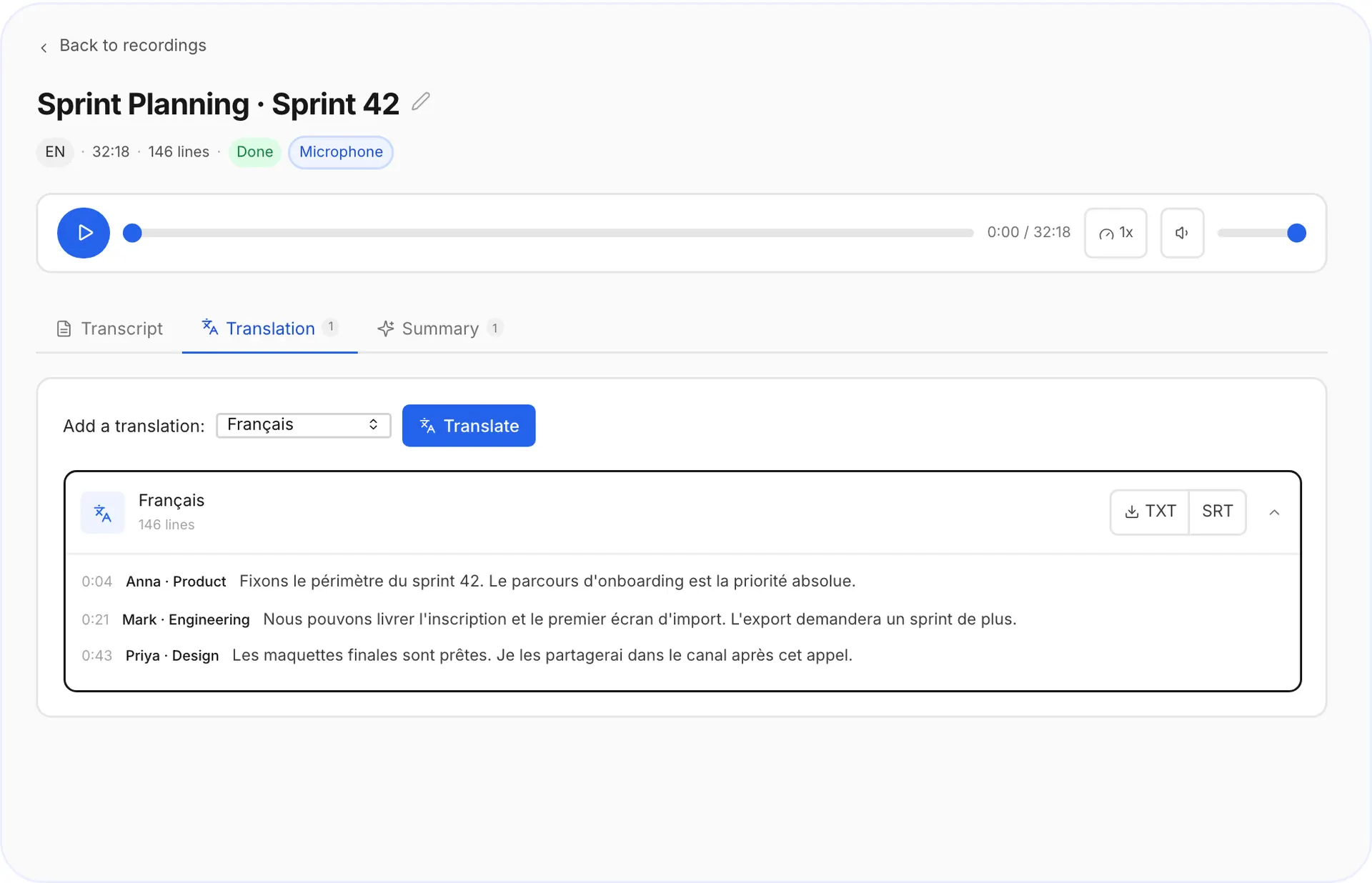
See the original and the translation side by side, then download TXT or SRT.
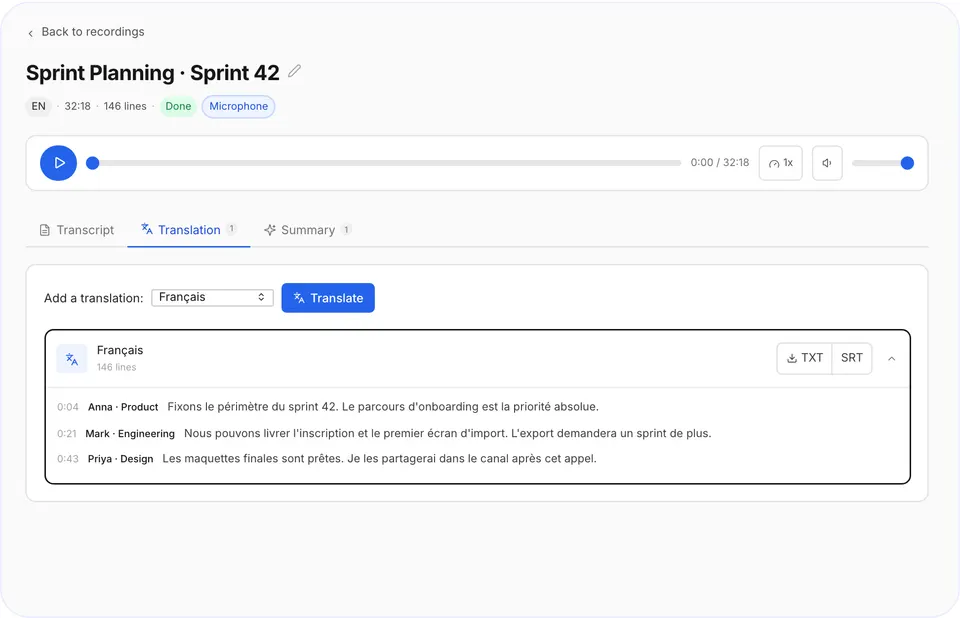
Original and translation side by side
When translation helps
- International calls
share notes with a team that speaks another language.
- Lectures and webinars
study in your own language.
- Video subtitles
export an SRT in another language.
- Interviews
quote a source who spoke a different language.
Translation or subtitles?
| You need | Export as |
|---|---|
| A text you can read and share | TXT |
| Subtitles for a video | SRT |
| Both | Export the transcript twice |
Questions and answers
Can I translate a video to text?
Yes. Upload the video, get the transcript, then translate it.
Do I have to transcribe first?
Yes, and it happens automatically when you add your audio.
Can I get translated subtitles?
Yes. Export the translation as an SRT file.
Can I keep the original too?
Yes. The original transcript stays in your account next to the translation.
Did not find your answer?Browse all questionsEmail support