Your first transcript in 5 minutes
Get your first transcript before your coffee gets cold.

In five minutes you'll have your first transcript and summary, start to finish. You don't need a card, the free plan gives you 10 minutes every day.
Your first transcript in five steps
1Step 1. Sign up
Sign up with Google or email. It takes ten seconds and no card.
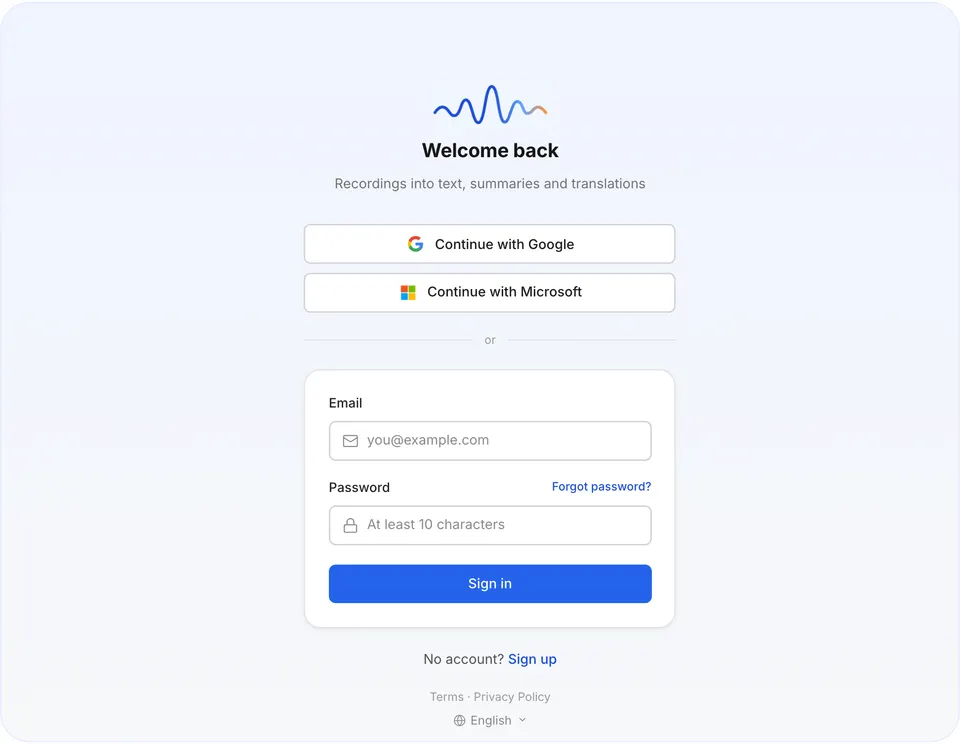
Sign-up screen 2Step 2. Add a recording
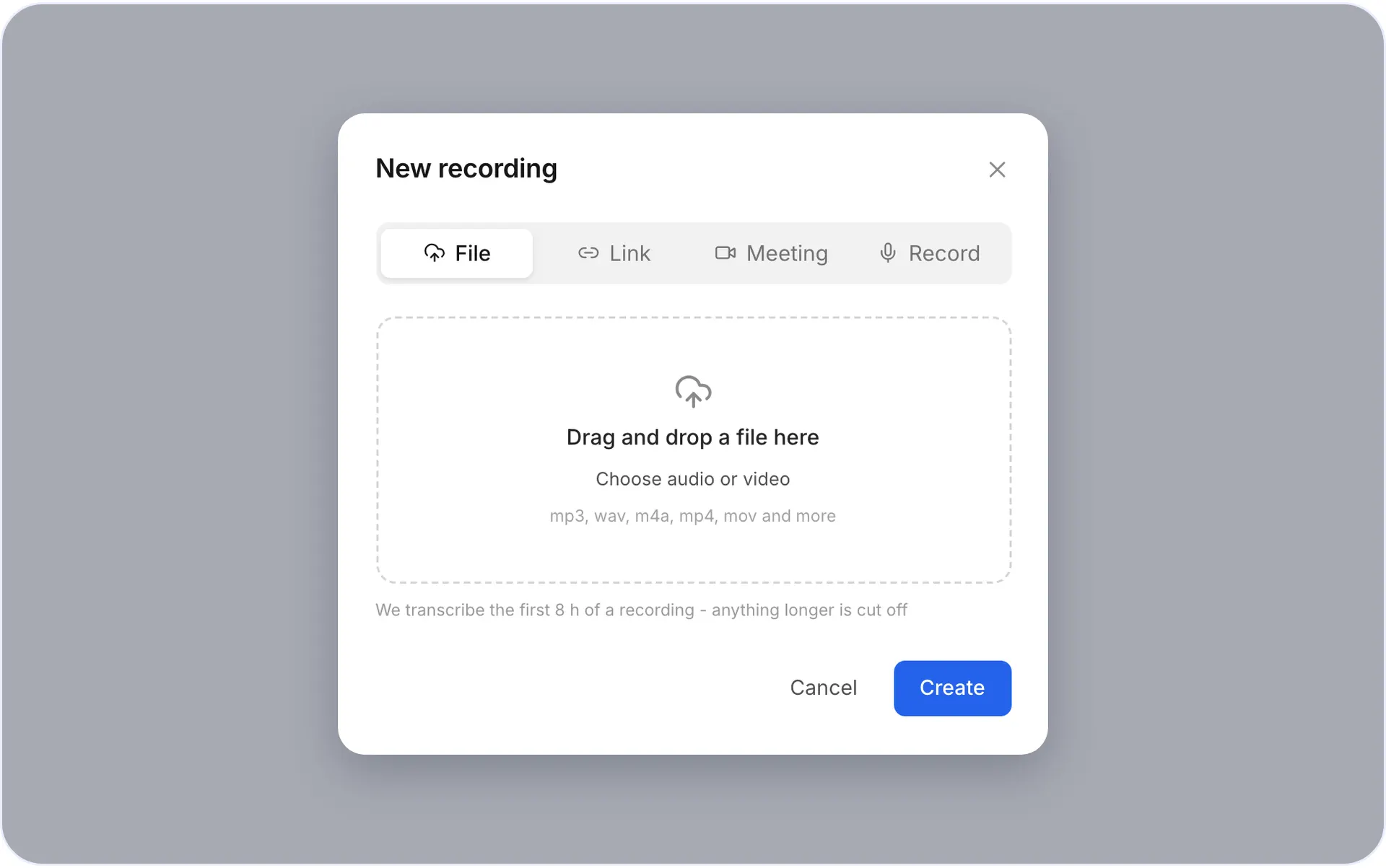
Pick one of three ways:
- Upload a file: any audio or video up to 8 hours.
- Record in the browser: tap Record and talk. No file handy? Record a one-minute voice note.
- Send the bot: paste a Zoom, Teams or Google Meet link, and voxnoto joins the call.
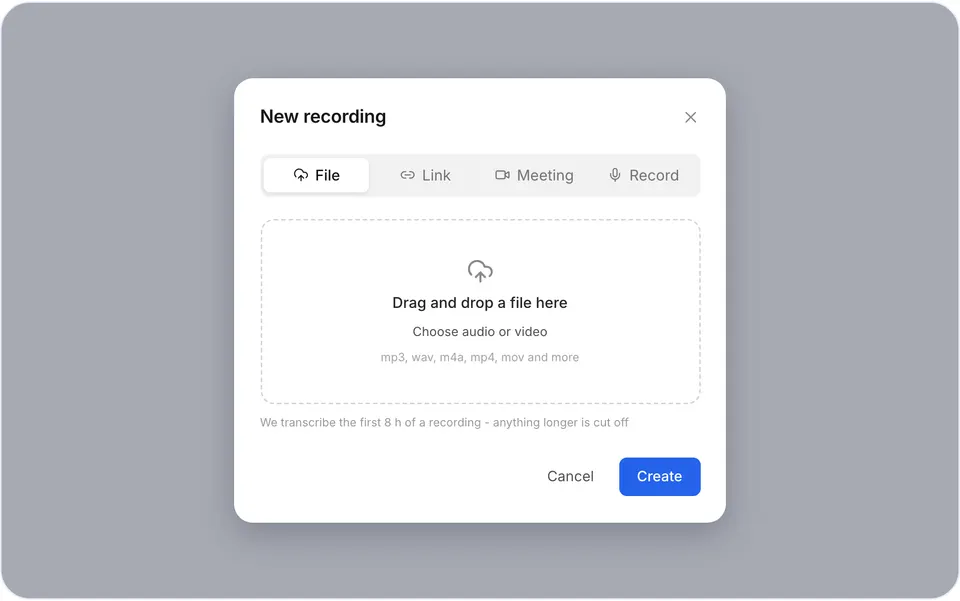
The three ways to add a recording 3Step 3. Read your transcript
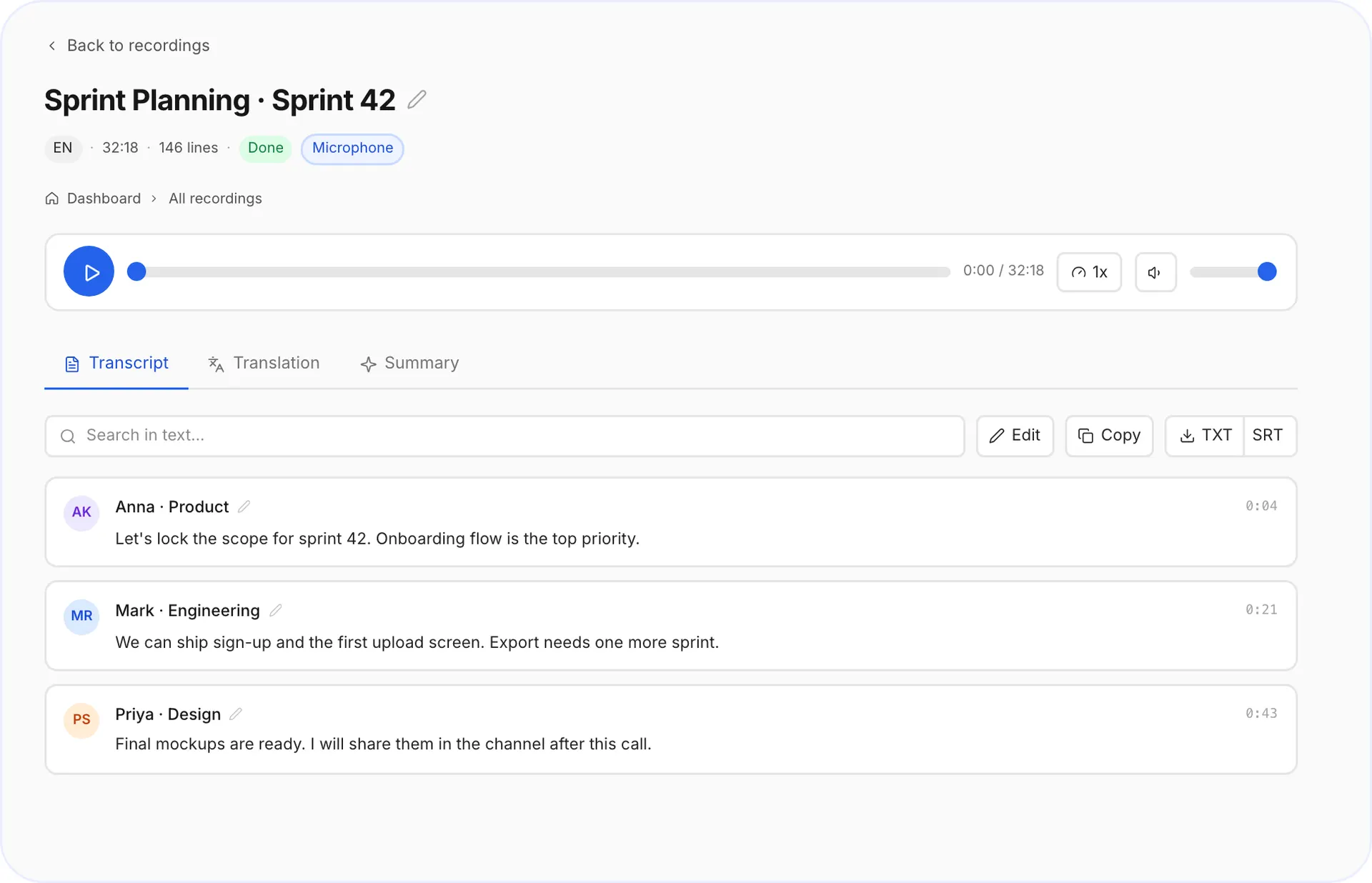
The language is detected automatically. Your transcript is split by speaker. Click a speaker's name to rename them, the name updates across the whole transcript.
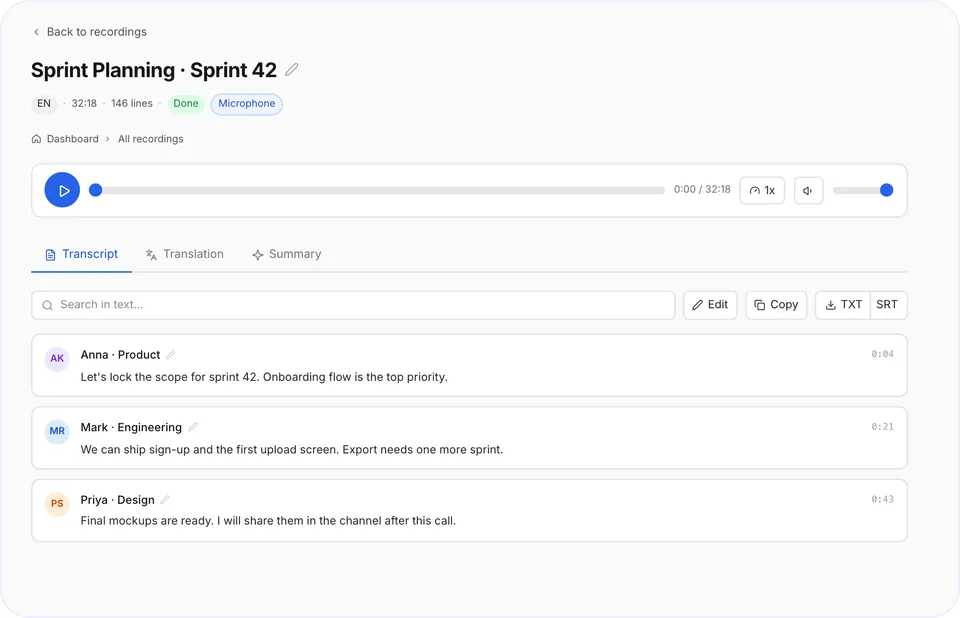
Transcript with speakers 4Step 4. Get the summary
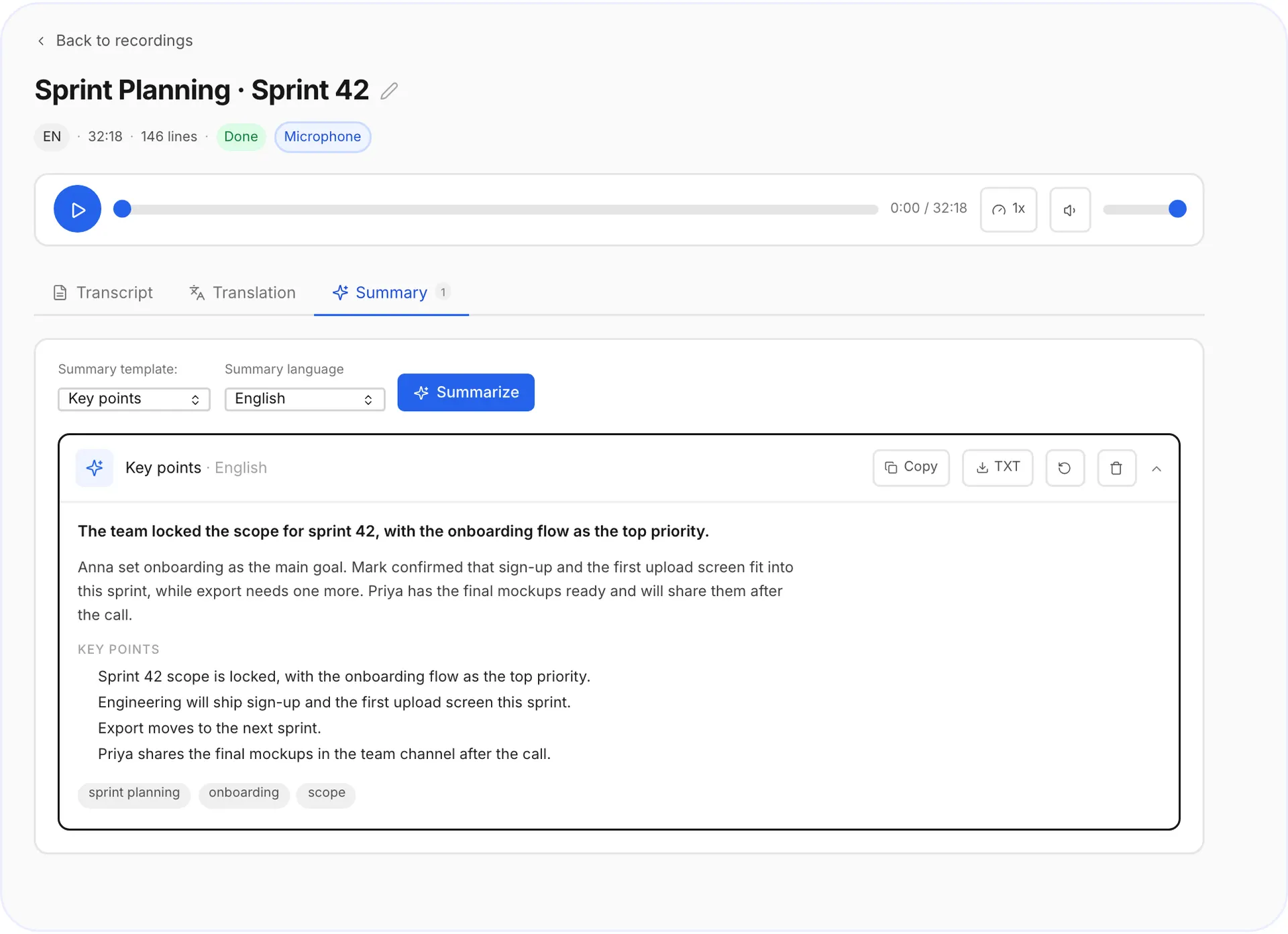
Switch to the summary to see the key points on one screen. Need every word instead? Stay on the transcript.
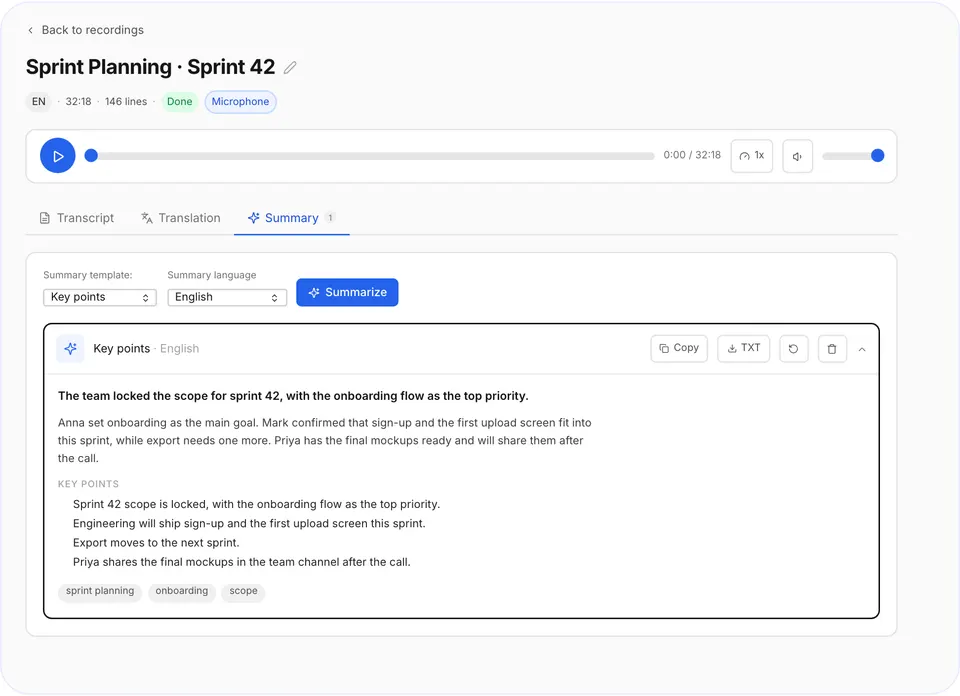
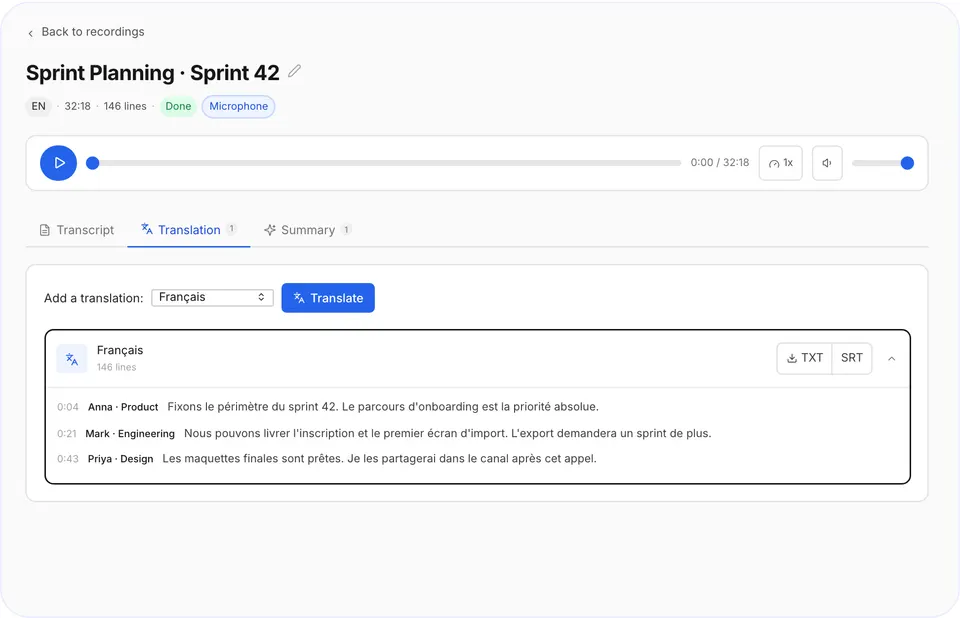
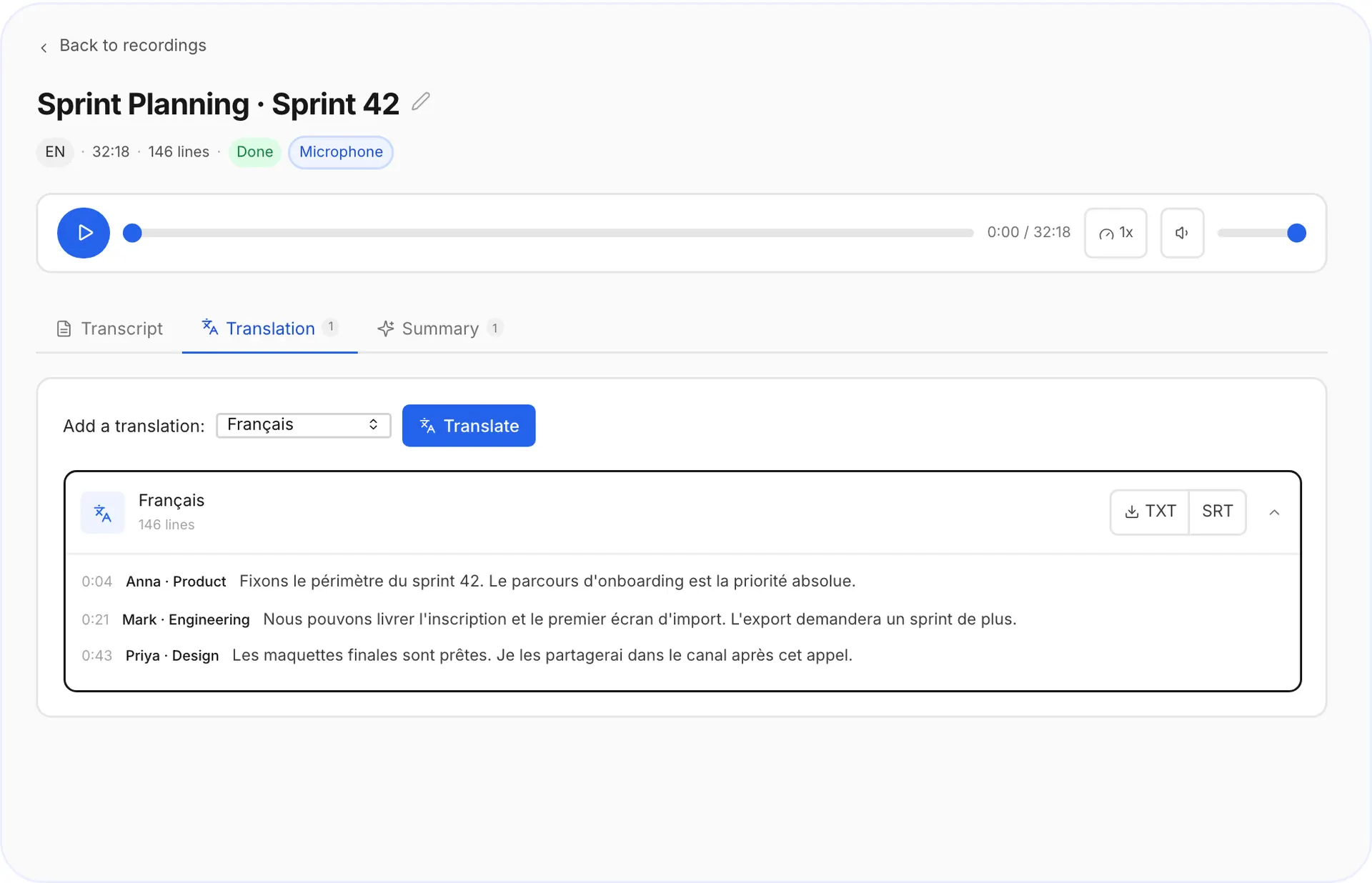
Summary tab 5Step 5. Translate and export
Translate your transcript into another language. Export to TXT, or to SRT if you need subtitles.
Export menu

Tips for recording in person
Recording in person? Put your phone between you and the other speakers, about an arm's length away.
Where to go next
For every upload option and format, read the full guide on how to transcribe audio to text. To work in another language, see how to translate audio to text, and for calls, how to transcribe a Zoom, Teams or Google Meet meeting.
Questions and answers
Is there a free plan?
Yes. The free plan gives you 10 minutes of transcription every day, no card needed.
How long does a transcript take?
Usually a few minutes. Longer files take a bit more.
Do I need to install anything?
No. voxnoto works in your browser on a laptop or phone.
What if I need more than 10 minutes a day?
Premium gives you unlimited transcription for $29.99 a month, with a 30-day money-back guarantee.
Did not find your answer?Browse all questionsEmail support