How to transcribe a Zoom, Teams or Google Meet meeting
Send the meeting bot to your call and get notes when it ends.

The easiest way to transcribe a Zoom meeting is to add an AI meeting bot. voxnoto's bot joins your call like a participant, listens, and writes everything down. When the meeting ends, you get a full transcript with speakers and a short summary. It works the same way in Microsoft Teams and Google Meet.
How to transcribe a meeting in 3 steps
Using Google Meet as an example
1Step 1. Paste the meeting link
Copy the Zoom, Teams or Google Meet link, paste it into voxnoto and click Send bot.
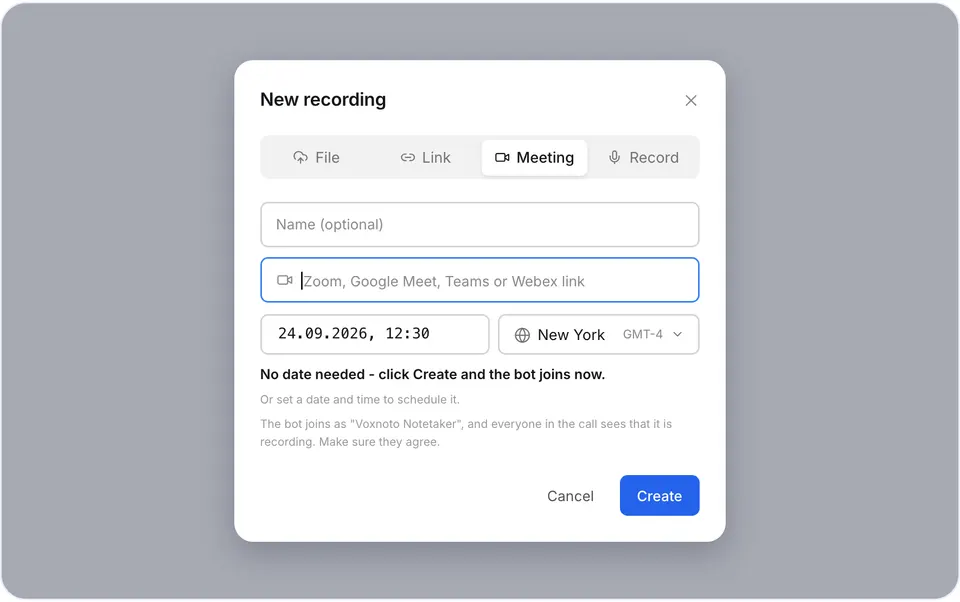
The link field 2Step 2. Let the bot in
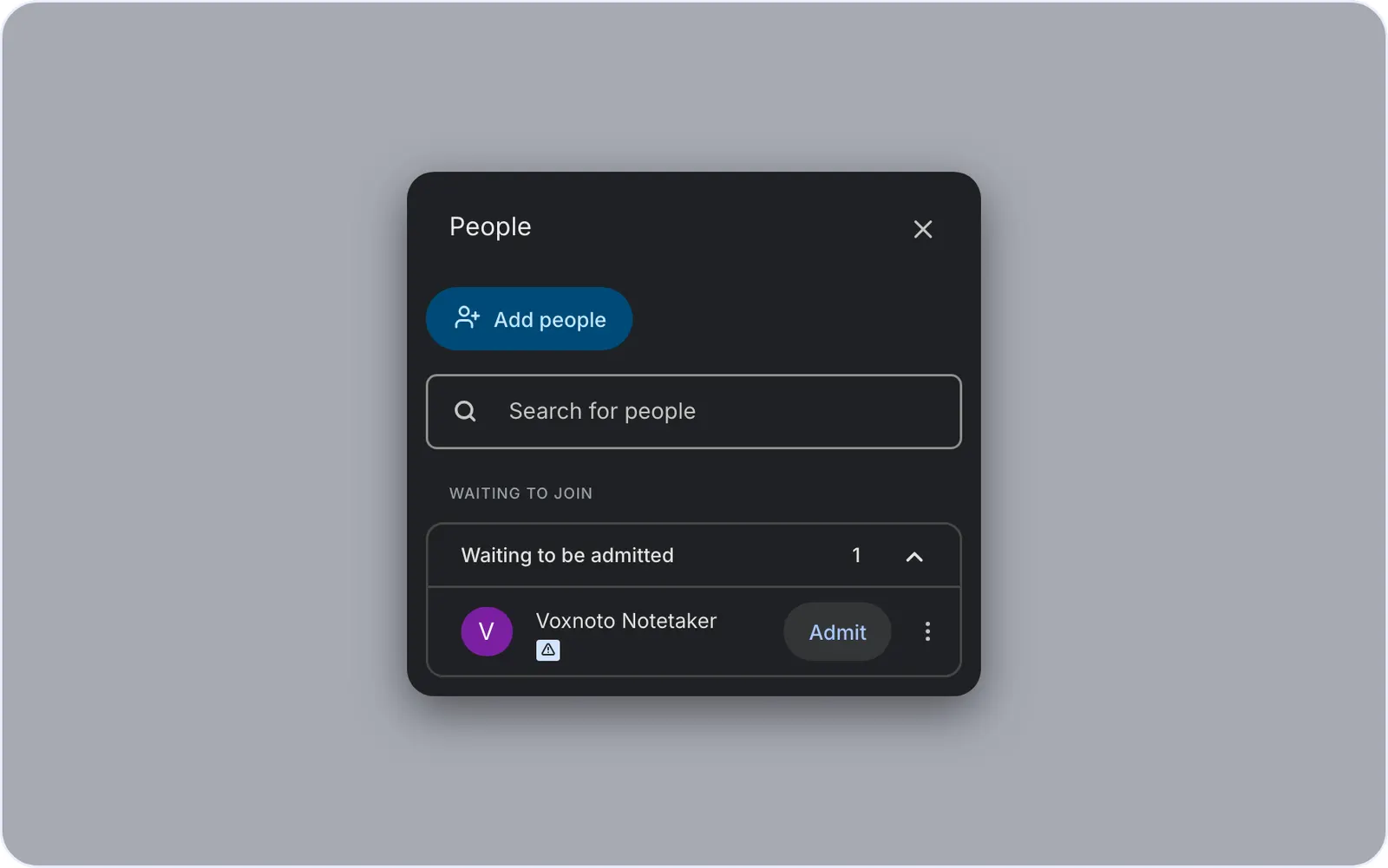
The voxnoto bot shows up in the waiting room. Admit it like any guest. Everyone sees it in the participant list, there's no hidden recording.
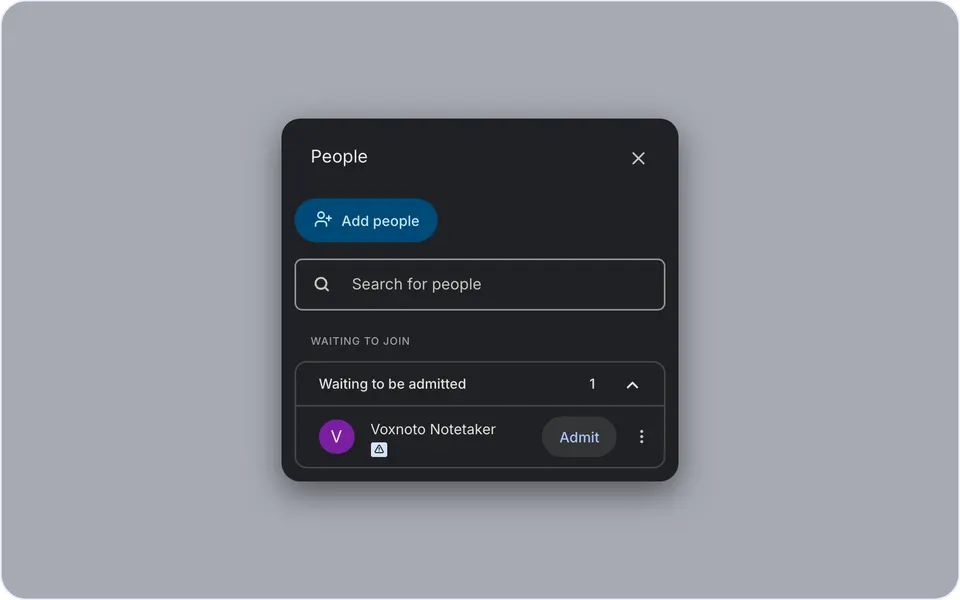
The participant list 3Step 3. Get your notes
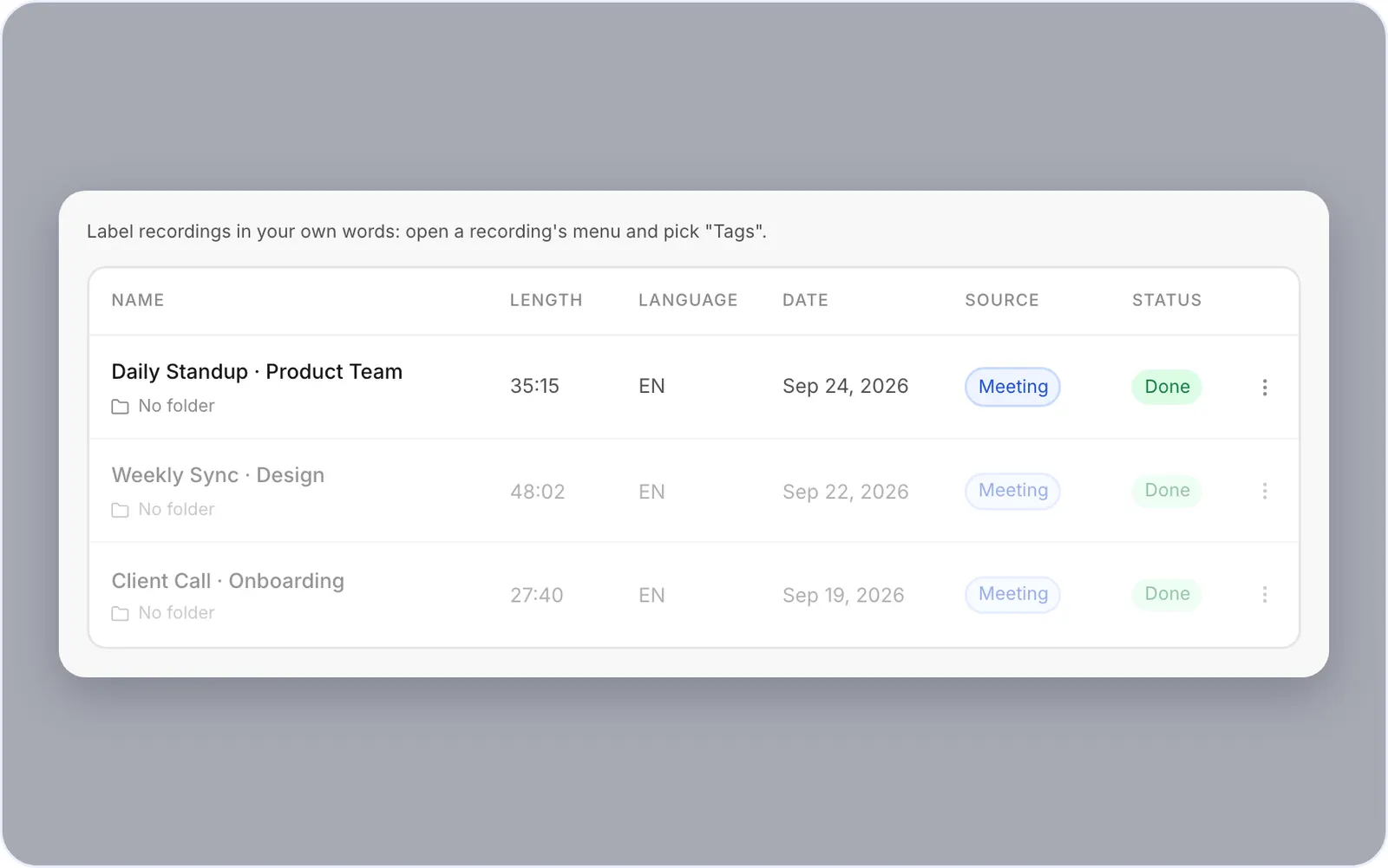
When the meeting ends, the transcript is in your account.
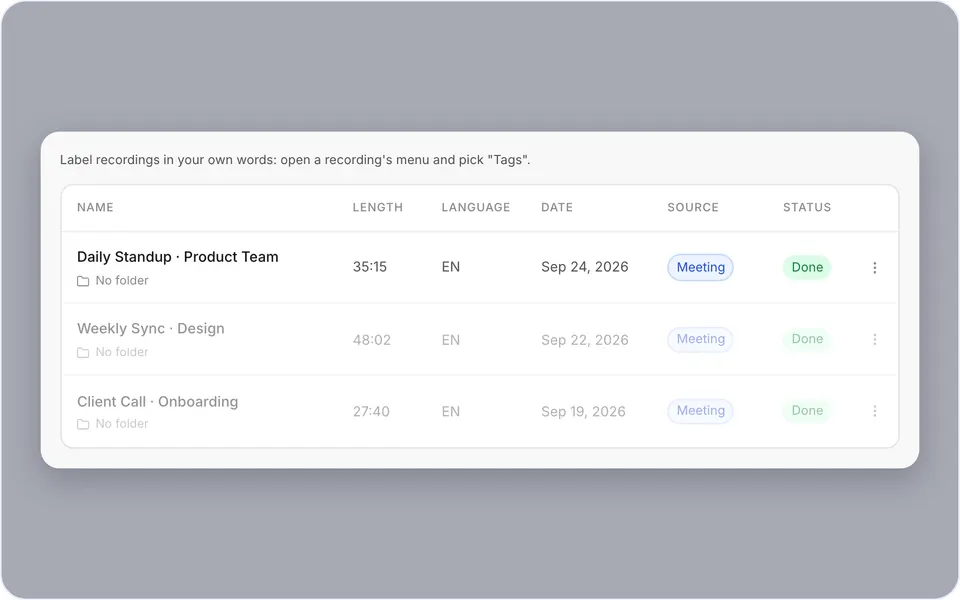
The finished transcript
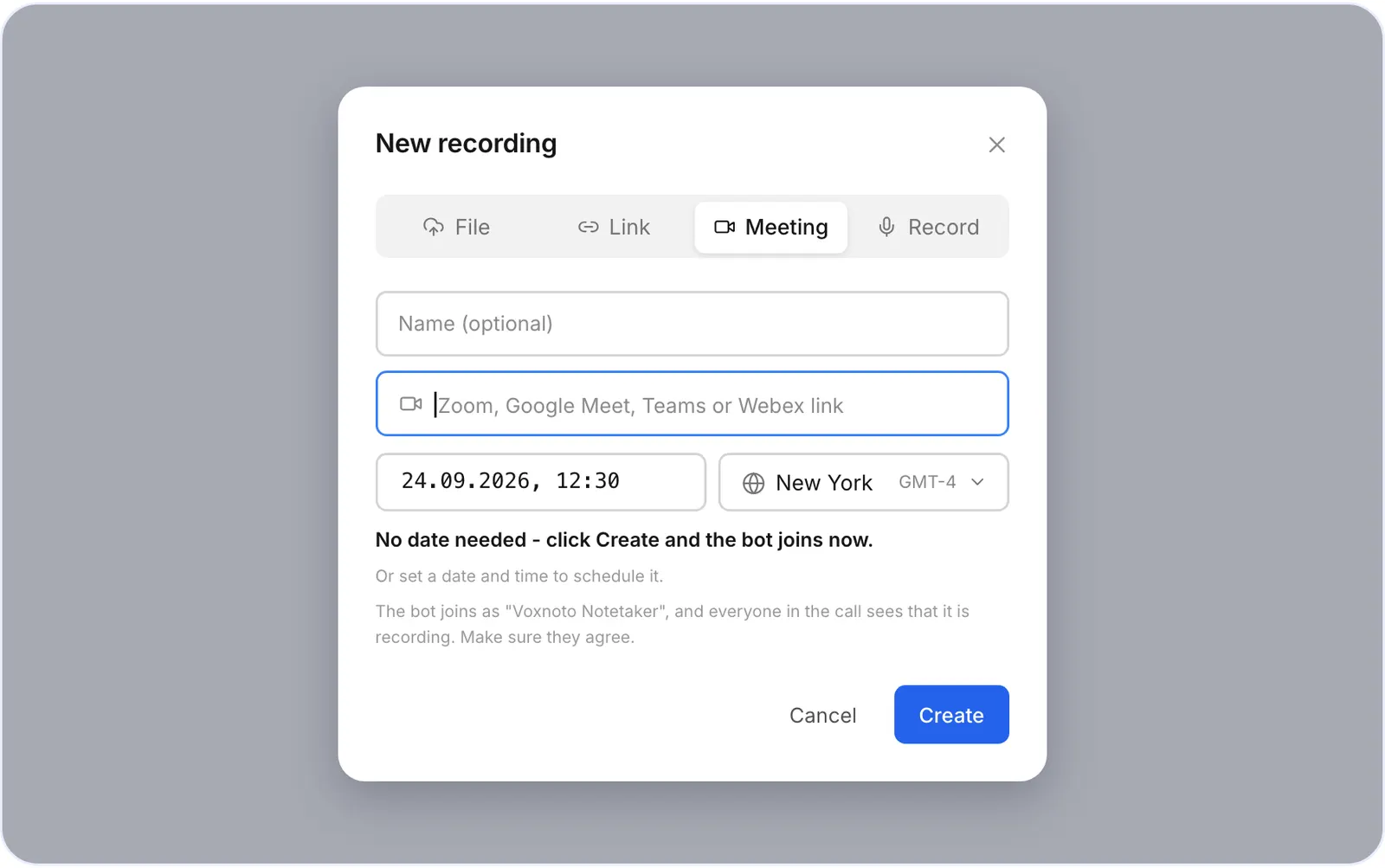
Transcribe a Microsoft Teams meeting
The steps are the same: paste the Teams link and admit the bot to the meeting.
Transcribe a Zoom meeting
The steps are the same: paste the Zoom link and admit the bot from the waiting room.
What you get after the call
- A full transcript, split by speaker, with timestamps
- A summary with the key points
- Export to TXT, or to SRT for video
Is it private?
Your recordings are private by default, only you can open them. The bot is always visible in the call. Tell participants you're recording; the rules differ by country and state.
Don't want a bot in the call? Record with the built-in recorder, or upload the recording as a file. Available now: the voxnoto desktop app for Windows and Mac will record any call on your computer, with no bot at all.
Questions and answers
How do I transcribe a Zoom meeting for free?
Sign up for voxnoto and send the bot to your call. The free plan covers 10 minutes a day.
Does the host need to approve the bot?
If the meeting has a waiting room, yes, the host admits it like any guest.
How long until I get the transcript?
Usually a few minutes after the call ends.
Does it work with Microsoft Teams and Google Meet?
Yes. Paste the Teams or Meet link the same way.
Can other participants see the bot?
Yes. The bot is always visible in the participant list.
Did not find your answer?Browse all questionsEmail support