Record and transcribe in your browser: on laptop or phone
Record a meeting, lecture or voice note right in your browser.

voxnoto has a built-in voice recorder that turns speech into text. Open voxnoto in any browser, tap Record, and talk. When you stop, you get a transcript or a summary, on your laptop or your phone.
How to record and transcribe in 4 steps
1Step 1. Open voxnoto and tap Record
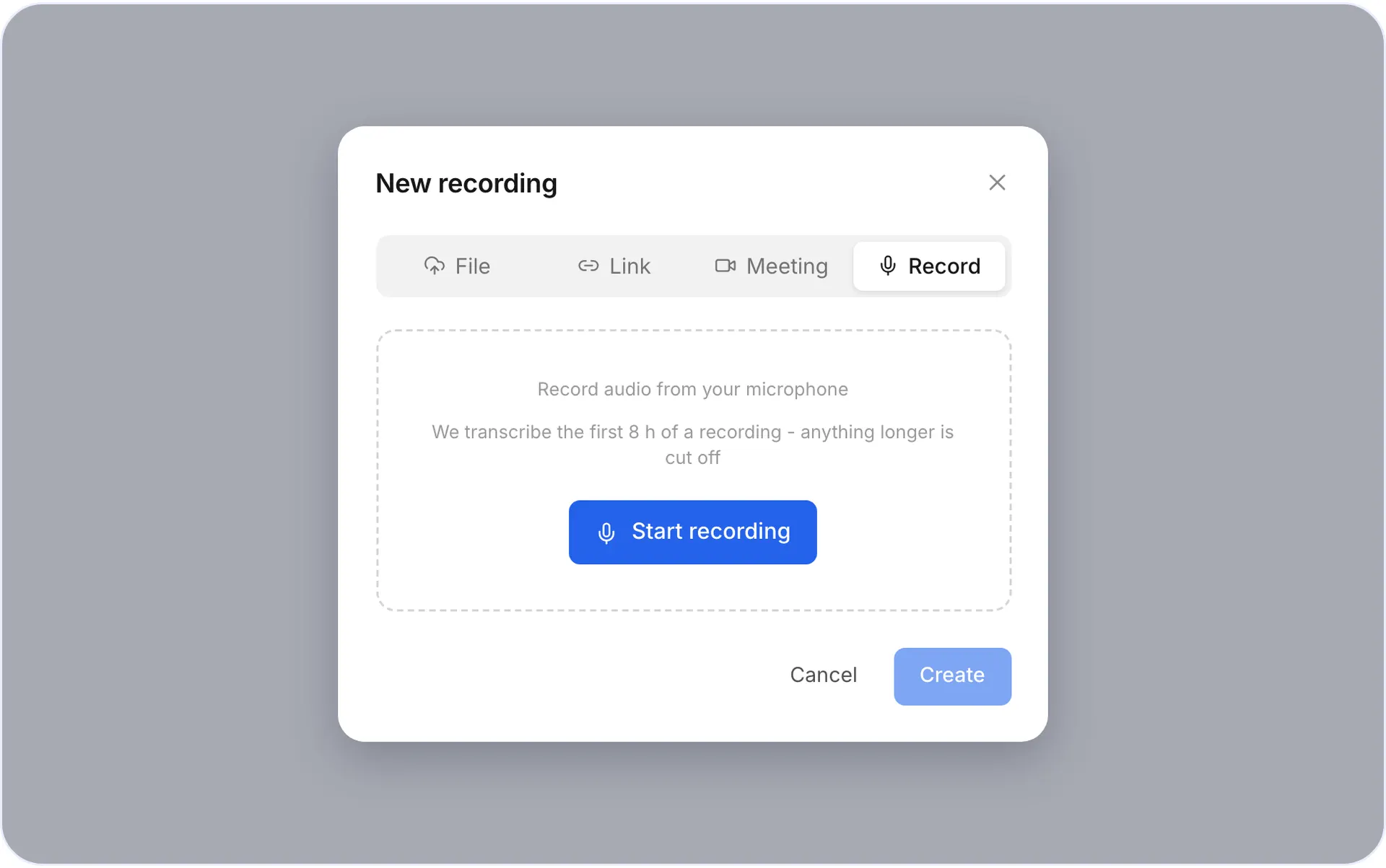
Open voxnoto in any browser on your laptop or phone and switch to the Record tab.
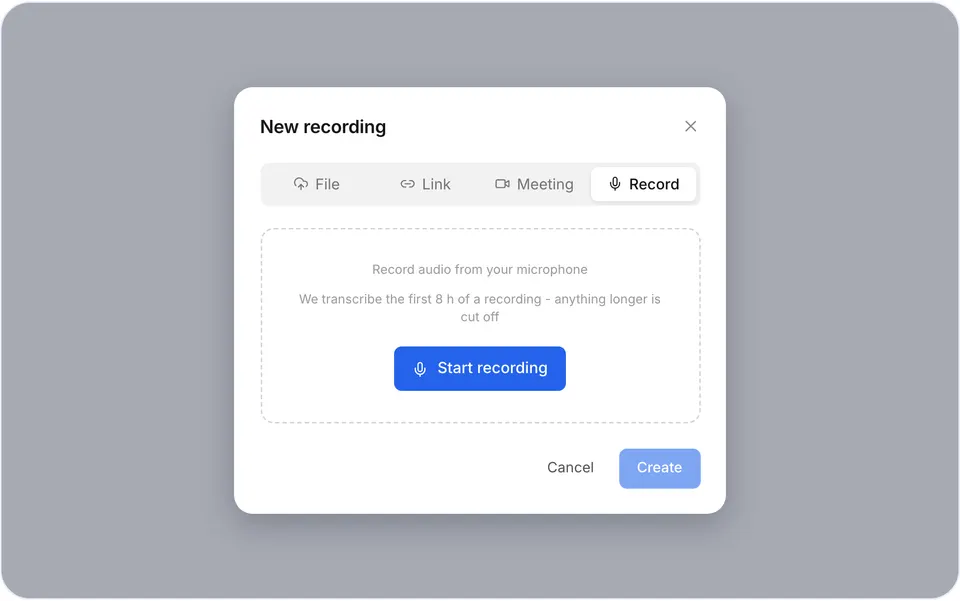
The record button 2Step 2. Allow microphone access
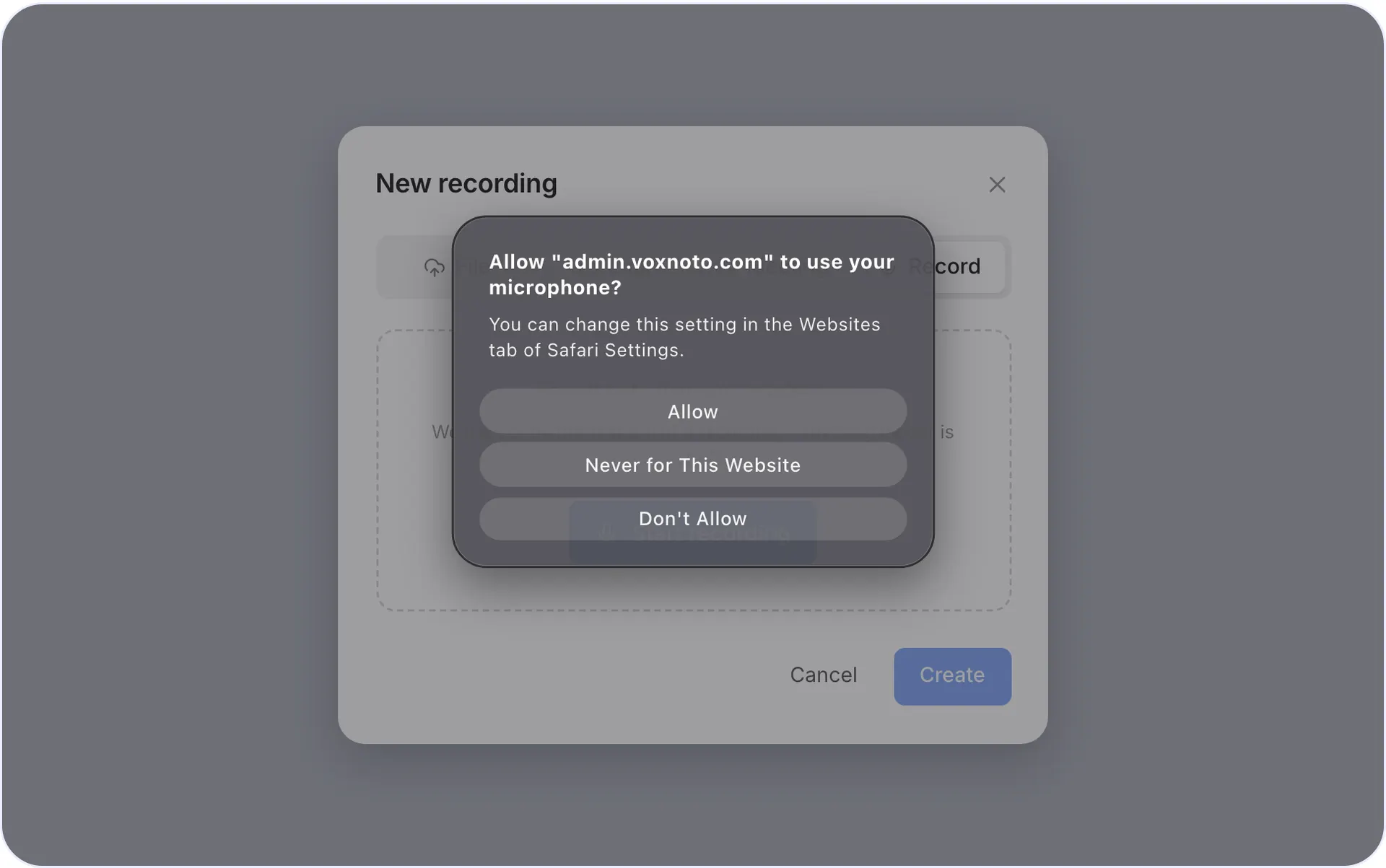
Allow microphone access when your browser asks.
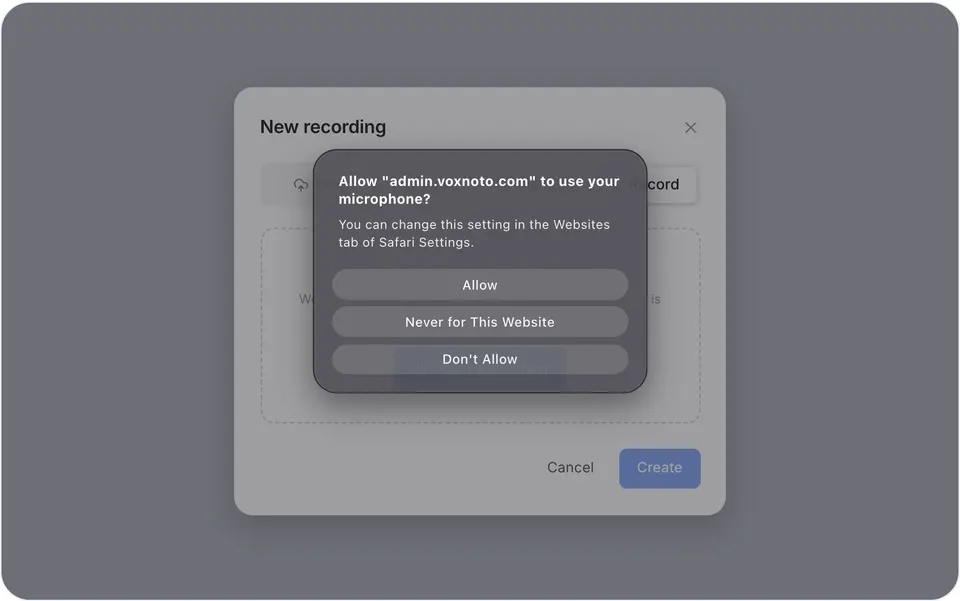
Browser permission prompt 3Step 3. Talk
A meeting, a lecture, an interview or just your ideas.
4Step 4. Stop
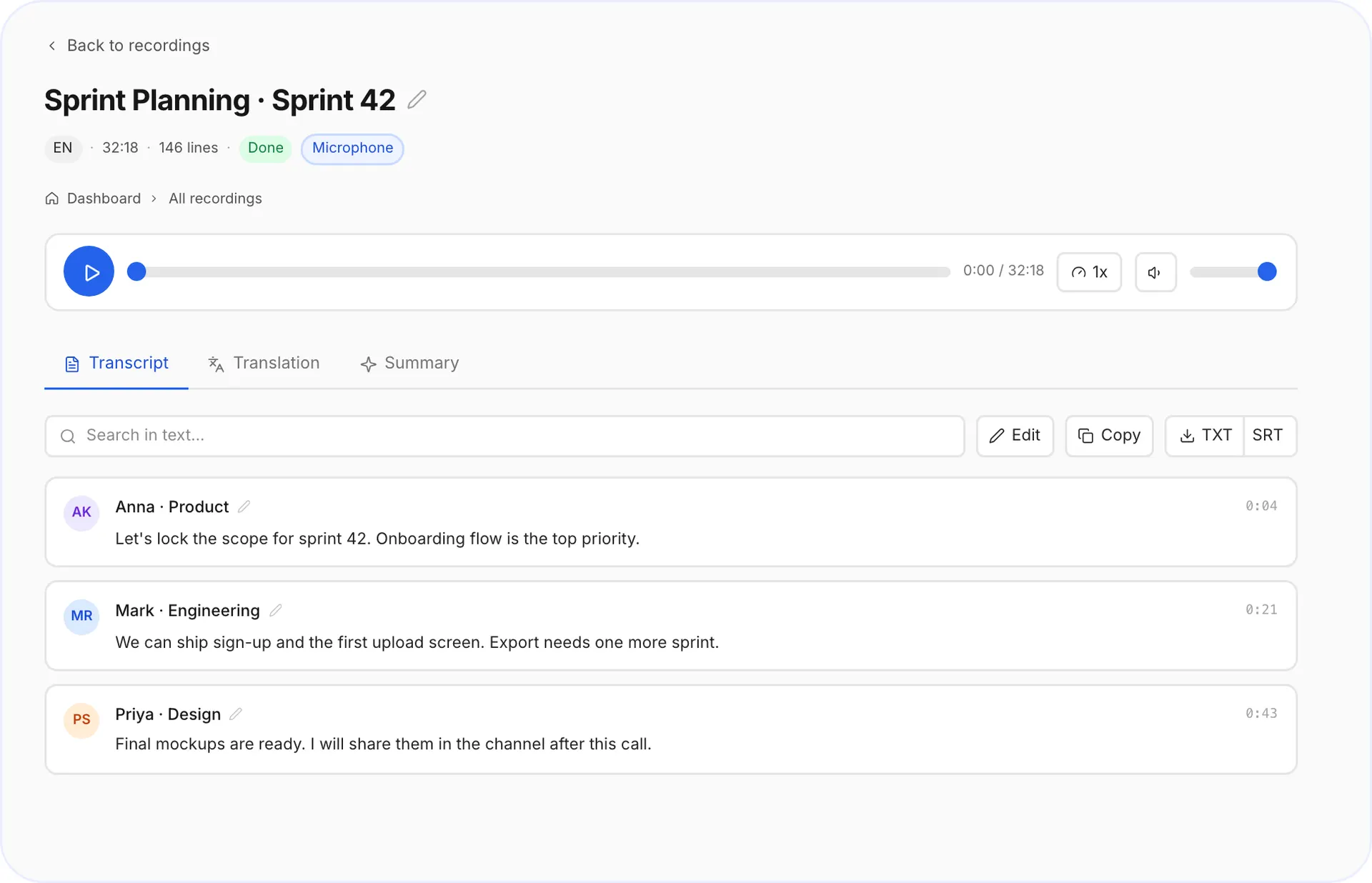
Your transcript is ready in minutes.
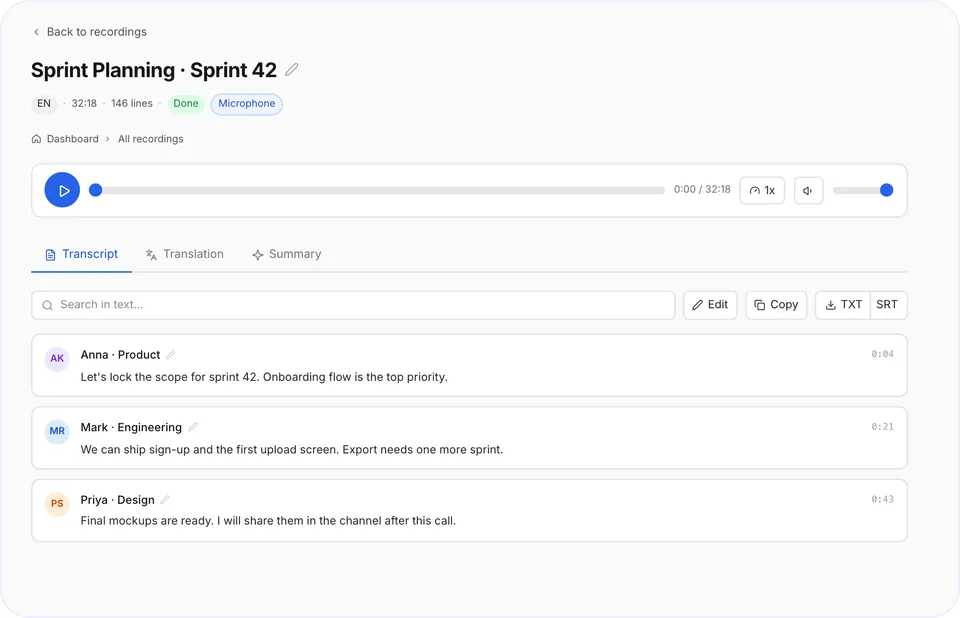
Finished transcript
When to use the voice recorder
- In-person meetings
put your phone on the table, no bot needed.
- Lectures and classes
listen instead of writing.
- Voice notes and ideas
talk on a walk, read it later.
- Interviews
keep every quote word for word.
Tips for clear recordings on your phone
- Keep the phone 30-50 cm from the speakers, mic facing them.
- Put it on a notebook, not a bare table, less vibration.
- Turn on Do Not Disturb so calls don't interrupt the recording.
- Keep the screen on while recording.
Voice recorder vs meeting bot
Use the recorder for anything happening in the room. Use the meeting bot for Zoom, Teams and Google Meet calls. Available now: the voxnoto desktop app for Windows and Mac will record any call on your computer, including WhatsApp and Slack.
Questions and answers
Do I need an app to record?
No. The recorder works in your browser on any laptop or phone.
Is there a free plan?
Yes. The free plan gives you 10 minutes of transcription every day, no card needed.
Can I record a whole lecture?
Yes. Premium has no daily limit.
Is my data safe?
Yes. Uploads and downloads run over encrypted connections, and your files and transcripts stay private in your account: only you can open them. We never sell your content.
Did not find your answer?Browse all questionsEmail support